

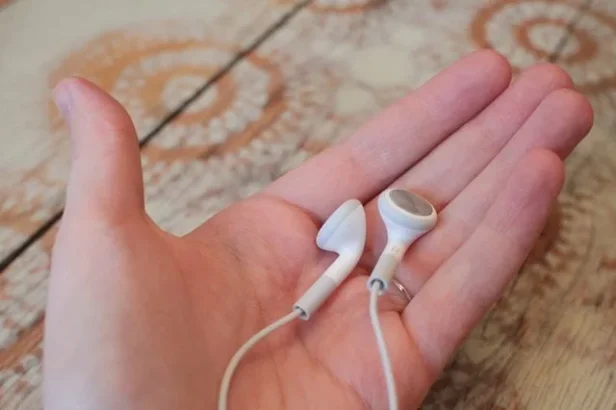
Earwax, sweat, and pocket lint degrade sound quality faster than most people realize. A five-minute cleaning routine prevents most of the damage.
The mesh grills on earbuds are tiny. Earwax fills them gradually, muffling sound so slowly that the change goes unnoticed until someone tries a clean pair and hears the difference. Over-ear headphones accumulate sweat in the ear pads, breeding bacteria and eventually cracking the cushion material. Charging cases collect lint and dust that interferes with the charging contacts. All of this is fixable with basic supplies and a few minutes.
What to Use (and What to Avoid)
Before starting, gather these supplies. Most are already in the house:
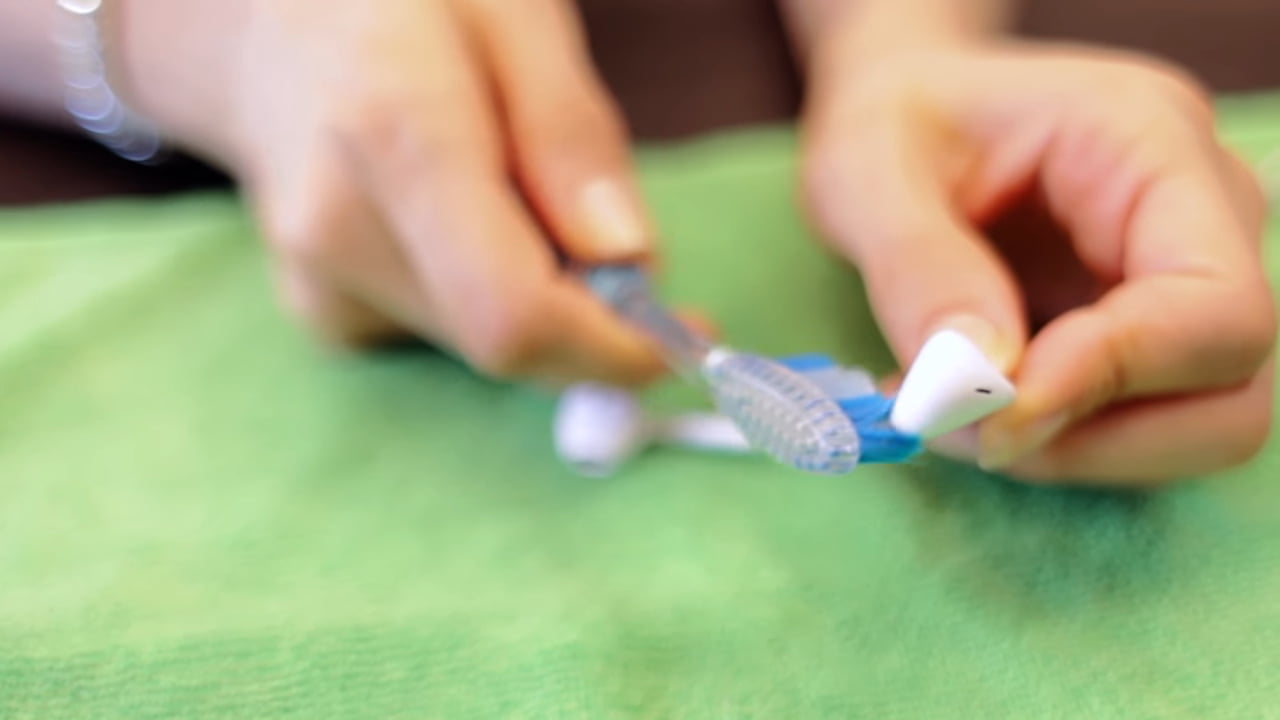
- Dry, soft-bristled brush — an old toothbrush works, or buy a cheap electronics cleaning brush
- Microfiber cloth — lint-free and safe for all surfaces
- 70% isopropyl alcohol — disinfects without leaving residue (do not use higher concentrations on coated surfaces)
- Cotton swabs — for tight spots and mesh grills
- Cleaning putty or Blu Tack — the single most effective tool for pulling wax out of speaker meshes
- Wooden or plastic toothpick — for stubborn wax deposits (never metal, which scratches)
Avoid compressed air on earbuds. It can push debris deeper into the driver housing. Avoid running water on anything with electronics. Avoid household cleaners, bleach, or hydrogen peroxide, all of which can damage coatings and adhesives.
Cleaning True Wireless Earbuds (AirPods, Galaxy Buds, etc.)
True wireless earbuds are the most common type to get dirty because they sit directly in the ear canal. Start by removing the silicone or foam tips if the earbuds have them. These tips can be washed with warm soapy water, rinsed, and left to dry completely before reattaching. AirPods Pro tips pop off with a firm pull; Galaxy Buds tips twist off.
The speaker mesh is where most wax collects. Press a small piece of cleaning putty or Blu Tack against the mesh, hold for a second, then pull it away. The putty grabs wax out of the tiny holes without pushing anything deeper. Repeat two or three times until the mesh looks clear. For stubborn buildup, use a dry toothbrush held at an angle so debris falls away from the mesh rather than into it.
Wipe the outer shell with a microfiber cloth slightly dampened with isopropyl alcohol. Pay attention to the sensors (the flat area that detects ear placement) since skin oils accumulate there and can interfere with auto-pause detection. Dry everything before putting the earbuds back in the charging case.
Cleaning the Charging Case
The charging case gets neglected far more often than the earbuds themselves. Lint from pockets collects at the bottom. Dust settles on the charging contacts. Both interfere with reliable charging.
Use a dry cotton swab to wipe the inside walls and the earbud wells. For the charging pins at the bottom of each well, a cotton swab lightly dampened with isopropyl alcohol cleans the contacts without risking moisture damage. A wooden toothpick can dislodge compacted lint from corners that a swab cannot reach. Wipe the exterior and the lid hinge with a microfiber cloth. Leave the case open for a few minutes after cleaning to let any residual moisture evaporate.
Cleaning Over-Ear and On-Ear Headphones
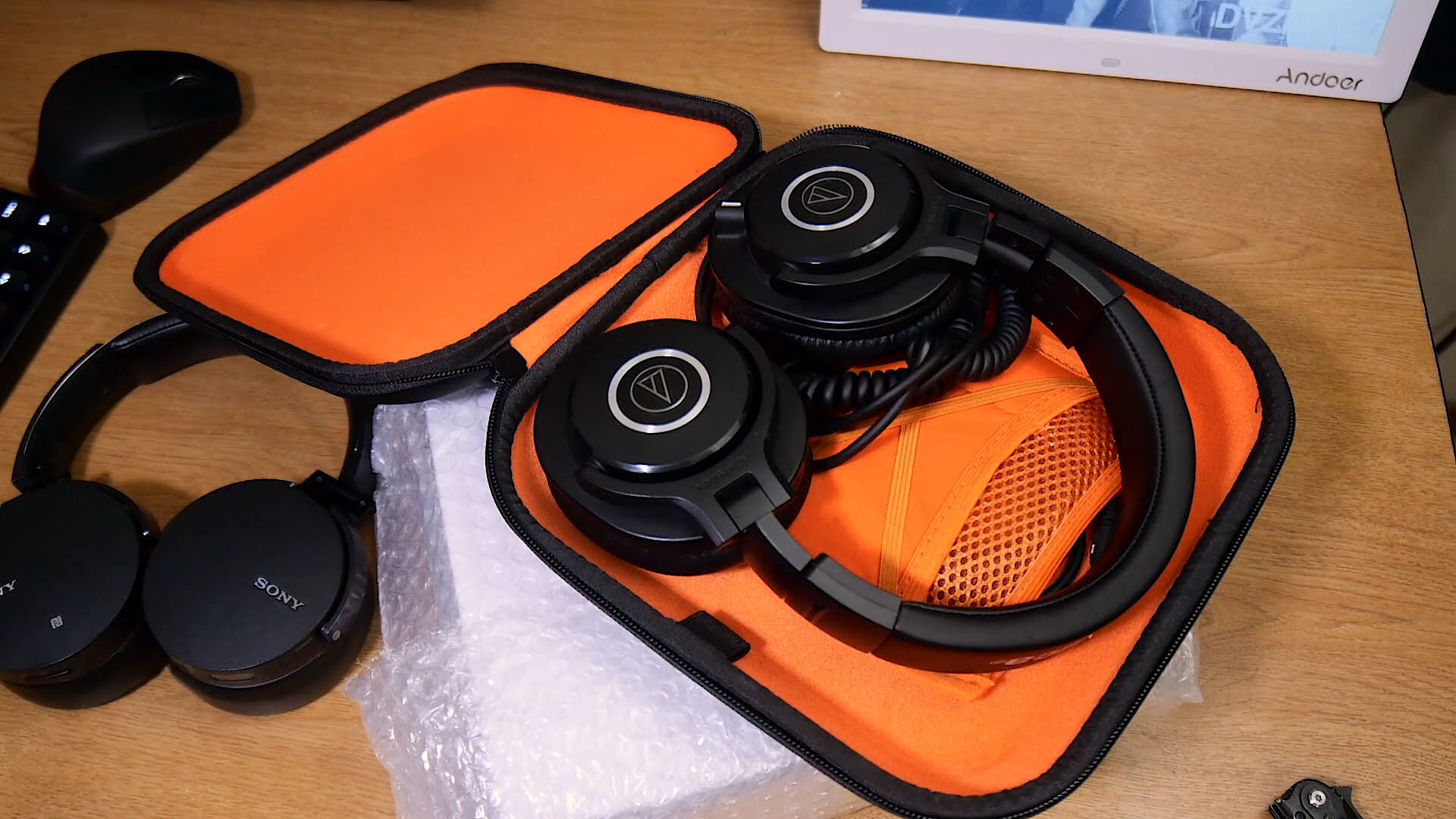
Remove the ear pads if they are detachable. Most snap or twist off. Wipe them down with a cloth dampened with warm soapy water, then dry with a separate cloth. Leather and protein leather pads should be wiped with a barely damp cloth only. Too much moisture cracks faux leather faster than anything else. If the pads are fabric or velour, a lint roller picks up hair and surface dust effectively.
With the pads removed, the driver inside is exposed. Use a dry soft brush to sweep away any dust or hair from the driver surface. Do not touch the driver membrane directly. A cotton swab dampened with isopropyl alcohol can clean the plastic housing around the driver.
The headband collects sweat and skin oils along the underside where it contacts the head. Wipe it with a damp microfiber cloth. For headbands with fabric or mesh padding, a gentle scrub with a cloth dampened in soapy water works well. Dry thoroughly before reassembling. Headphones that smell after workouts usually have moisture trapped in the ear pads. Removing the pads after each gym session and letting them air out prevents the smell from developing in the first place.
Related: Top 5 wireless headphones for working out.
Cleaning Wired Earbuds
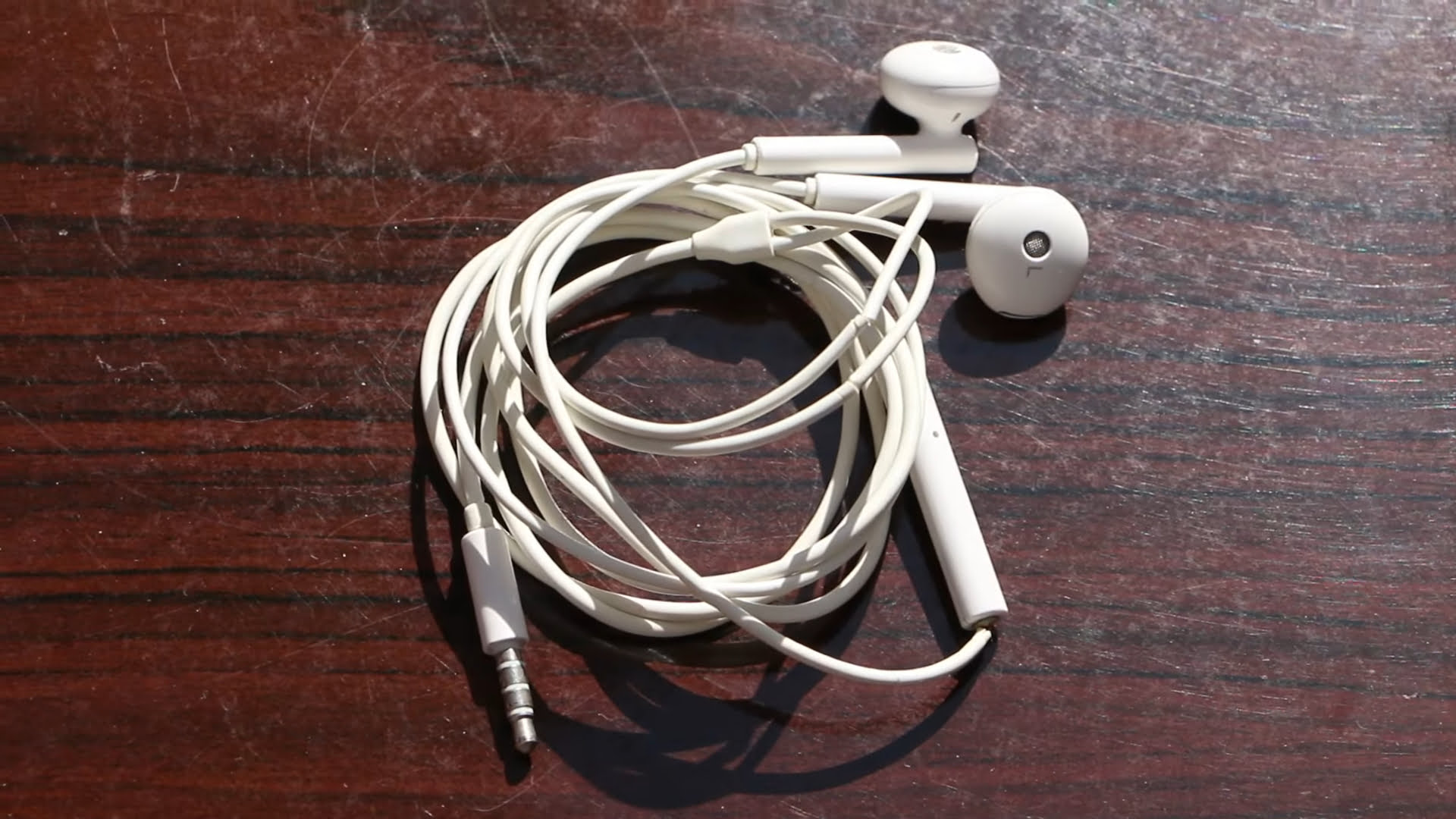
Wired earbuds follow the same mesh-cleaning process as true wireless models. Remove the tips, clean them separately with soapy water, and use putty or a dry brush on the speaker mesh. The cable itself picks up oils and grime over time. Pinch a microfiber cloth around the cable and run it from plug to earpiece in one motion. For sticky residue, a cloth dampened with isopropyl alcohol handles it.
The 3.5mm plug or USB-C connector can accumulate oxidation and pocket lint. A dry cotton swab inserted into the plug clears debris. If audio cuts in and out when the plug is wiggled, the connector may need cleaning with isopropyl alcohol on a swab to remove oxidation from the contacts.
Common Mistakes That Cause Damage
- Using a wet cloth on speaker meshes — moisture seeps through the mesh into the driver and can permanently damage it. Always use dry methods (brush, putty, toothpick) on meshes.
- Submerging earbuds in water — even “waterproof” earbuds with IP ratings are designed to survive splashes, not soaking. Water resistance degrades over time as seals wear.
- Using compressed air on earbuds — the force pushes wax and dust deeper into the housing where it cannot be reached.
- Picking at mesh grills with metal tools — pins, needles, and paper clips scratch the mesh and can puncture the driver membrane underneath.
- Storing damp earbuds in a closed case — trapping moisture accelerates corrosion on charging contacts and promotes bacterial growth.
How Often to Clean
A quick wipe with a dry cloth after each use takes five seconds and prevents most buildup. A deeper clean with putty and isopropyl alcohol every two weeks keeps everything performing well. For earbuds used during workouts, wipe down after every session. Sweat is corrosive and accelerates wear on silicone tips, charging contacts, and mesh grills. Gym earbuds that are never cleaned typically lose noticeable sound quality within three to four months.
Frequently Asked Questions
Can isopropyl alcohol damage earbuds?
70% isopropyl alcohol is safe for most earbud surfaces including plastic, silicone, and metal. Avoid using it on fabric or mesh ear tips, as it can degrade the material over time. Never apply alcohol directly to the speaker mesh — use a barely damp cotton swab on the surrounding housing instead. Apple specifically recommends 70% isopropyl alcohol wipes for cleaning AirPods surfaces but warns against getting liquid in any openings.
How do you get earwax out of AirPods mesh?
Cleaning putty (like Blu Tack) is the most effective method. Press a small piece against the mesh, let it sit for a moment, then peel it away. The putty pulls wax out of the tiny holes without pushing it deeper. For stubborn deposits, hold the AirPod with the mesh facing down and gently brush with a dry, soft-bristled brush so gravity helps the debris fall out rather than in.
Why do my earbuds smell bad?
Bacteria thrive in the warm, moist environment created by earbuds sitting in the ear canal. Sweat, skin oils, and earwax provide nutrients for bacterial growth. The smell worsens when damp earbuds are stored in a closed charging case immediately after use. Wiping earbuds with a cloth dampened with 70% isopropyl alcohol after each use kills most bacteria. Letting both the earbuds and the case air dry with the lid open for a few minutes before closing also helps.
Can dirty earbuds cause ear infections?
Yes. Bacteria accumulated on earbuds can transfer into the ear canal, potentially leading to outer ear infections (otitis externa). People who share earbuds, use them during workouts, or wear them for extended periods without cleaning are at higher risk. Regular cleaning with isopropyl alcohol significantly reduces bacterial load. Replacing silicone or foam tips every three to six months also helps maintain hygiene.
Should headphone ear pads be replaced?
Ear pads wear out regardless of cleaning. Protein leather pads typically last 12-18 months before cracking and flaking. Fabric and velour pads compress over time and lose their cushioning. Replacement pads are available for most popular headphone models and usually cost $10-30. Replacing worn pads restores comfort, improves noise isolation, and eliminates odor that no amount of cleaning can remove from degraded padding material.



Share Your Thoughts