

In this guide
Before presenting the first iPad to the audience, Steve Jobs explained the need for a new device to the crowd saying,
“People use laptops and smartphones now. Is there a room for a third category device in the middle, something that’s between a laptop and a smartphones? Those devices are going to be far better at doing at key things.”
What are those “Key things”? Well, he had a list, and he showed it on the screen in the presentation. These are the tasks that Steve mentioned in the original Apple iPad keynote:
- Browsing the Web
- Doing an E-mail
- Enjoying and sharing photographs
- Watching videos
- Enjoying Music collection
- Reading eBooks
According to Steve, if there is going to be a device that fits in between a smartphone and a laptop, it should be better at doing these fundamental things. Otherwise, there is no need for a new category.
“If there is gonna be a better device, it should be better at doing these things. Otherwise, there is no reason for it to exist.”
It seems like the iPad has come a long way and is more than just a tablet which was initially designed to perform these tasks better than other machines. Today, the iPad Pro can handle much more complicated things and puts many laptops to shame in performance. Let’s take a look at key specs before moving on to the review.
Key Specs
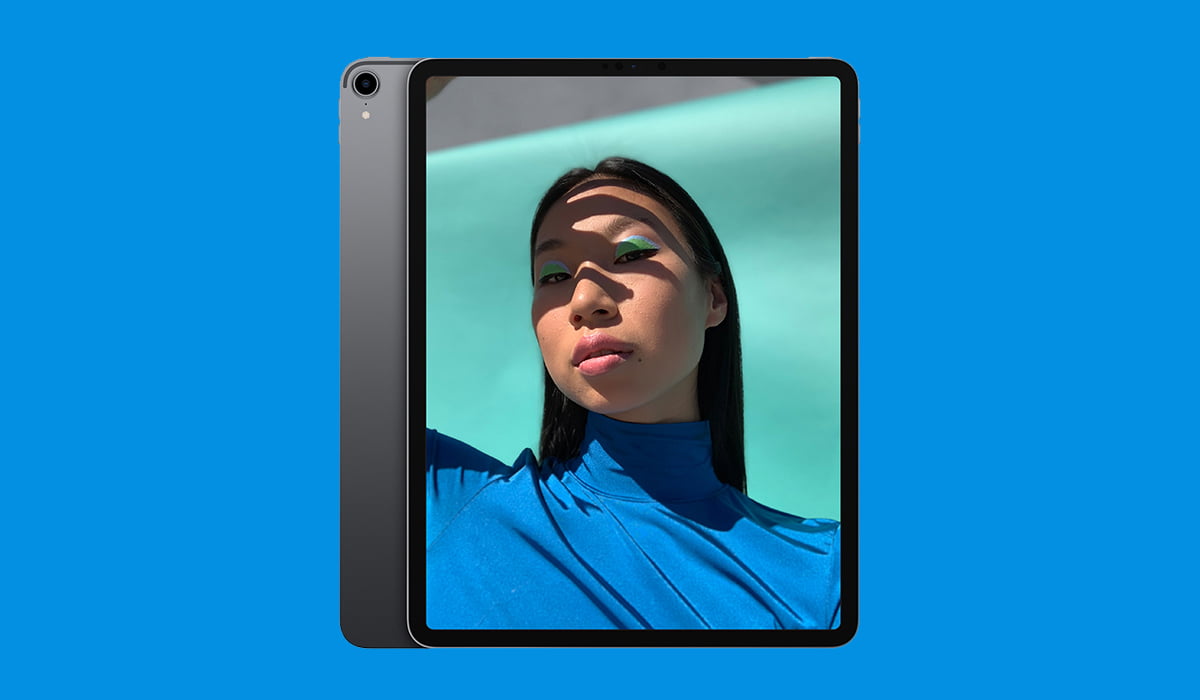
| Display | 11-inch, 12.9-inch, Liquid Retina Display |
| Camera | 12-MP, f1.8 aperture, Quad-LED True Tone Flash |
| 7-MP TrueDepth Camera, f2.2 aperture | |
| Chipset | A12X Bionic chip, Neural Engine, Embedded M12 coprocessor |
| Storage | 64GB/256GB/512GB/1TB |
| Battery | 11-inch: 29.37 watt-hour rechargeable lithium-polymer battery |
| 12.9-inch: 36.71 watt-hour rechargeable lithium-polymer battery | |
| Operating System | iOS 12 and later |
| Sensors | Face ID, iBeacon micro-location, Digital compass, Three-axis gyro, Accelerometer, Barometer, Ambient Light sensor |
| Special Features | Magnetic connector, Smart connector, ProMotion technology, eSIM support, USB-C, Smart Keyboard Folio, Apple Pencil |
| Bummers | No Headphone Jack, No Expandable Storage |
| Colors | Silver, Space Gray |
| Price | 11-inch From $799, 12.9-inch From $999 |
iPad Pro 2018 Review
The original iPad was supposed to be a device in between the Laptops and smartphones, fulfilling the need of people who are looking for entertainment, fun and get these basics tasks done. But with every generation of iPad, it got drastically improved. iPad Pro 2018 is the greatest iPad till date but with some caveats.
Here is the complete review of iPad Pro 2018:
Design
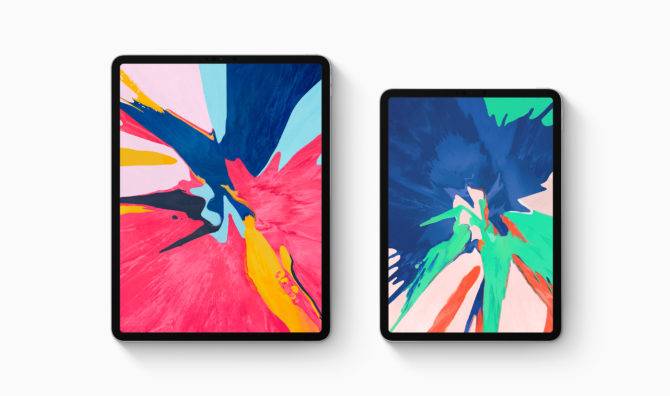
Let’s start with the design. With iPhone X release, everyone knew that Apple is now committed to making products that are bezel-less or with more screen precisely. It’s going to happen sooner or later. They ditched the home button in favor of Face ID and added a notch to achieve bezel-less screens. After embracing the notch in all iPhone models, it was time to address the iPad.
Fortunately, the iPad Pro was spared and comes with a large display and no notch! (phew). There is no home button in the iPad Pro as rumored before the official announcement and the display is equally balanced around the edges. You can hold the iPad in any direction and not feel concerned about handling it the wrong way.
The new design language of the iPad Pro speaks of Apple’s new design philosophy. Instead of rounded corners and sides with soft feels, the new iPad comes with hard corners and flat sides with antenna lines which look arguably ugly. There’s a huge camera bump at the back too.
The Face ID also works in any direction and unlocks the tablet faster than the first generation Facial recognition system. Both 11-inch and 10.5-inch iPads are 5.9 mm thin and 25% reduced in volume than the predecessors.
The True Depth Camera sensor also lets you make Animojis and Memoji on the tablet PC. The device enables you to pay online using secure than ever, Face ID.
Display
Steve emphasized about the display in first iPad announcement saying:
“Using this thing is remarkable. It’s so much more intimate than a laptop and it’s so much more capable than a smartphone with this gorgeous large display.”
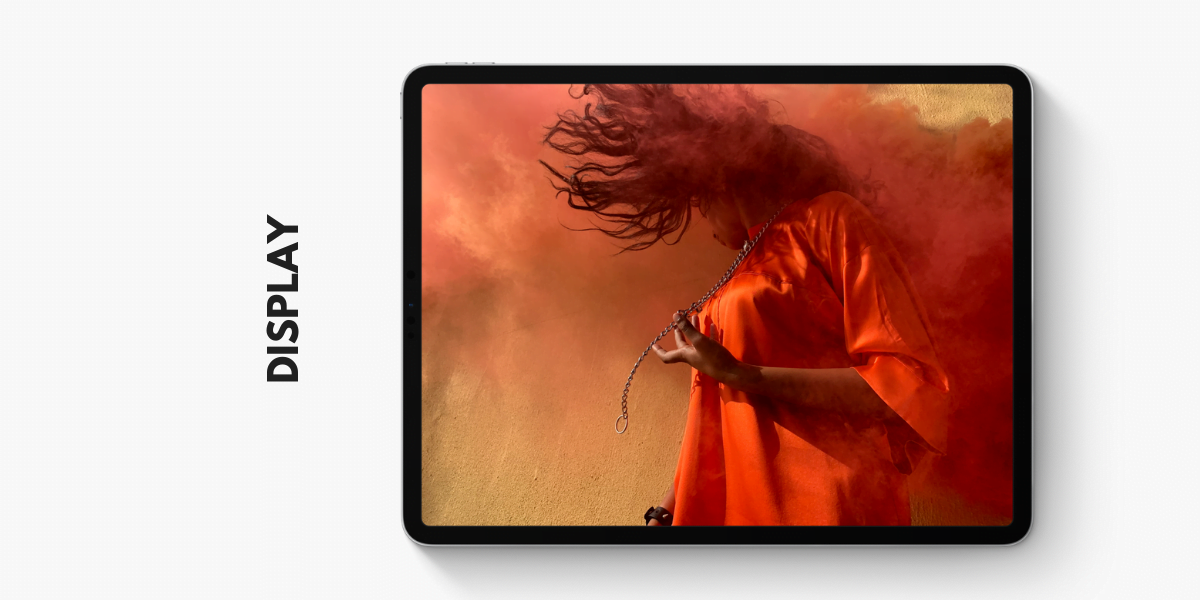
The iPad still comes with a gorgeous display in any tablet PC. iPad Pro 2018 comes with an edge-to-edge display. What’s refreshing about the new iPad Pro is its 120Hz refresh rate. ProMotion technology adjusts the refresh rate of the display making everything buttery smooth and responsive.
The Liquid Retina Display with round corners is Apple’s most color accurate and brightest display ever in an iPad. It has the most color accurate display with True tone, wide color support and anti-reflective coating for best viewing experience in any environment. Apple pushed the display to the edges to make the iPad look slicker than it previously was. And because of a lot of room for the screen, we are spared from having the notch. Thanks, Apple!
Chipset
“With great power comes great responsibility.”
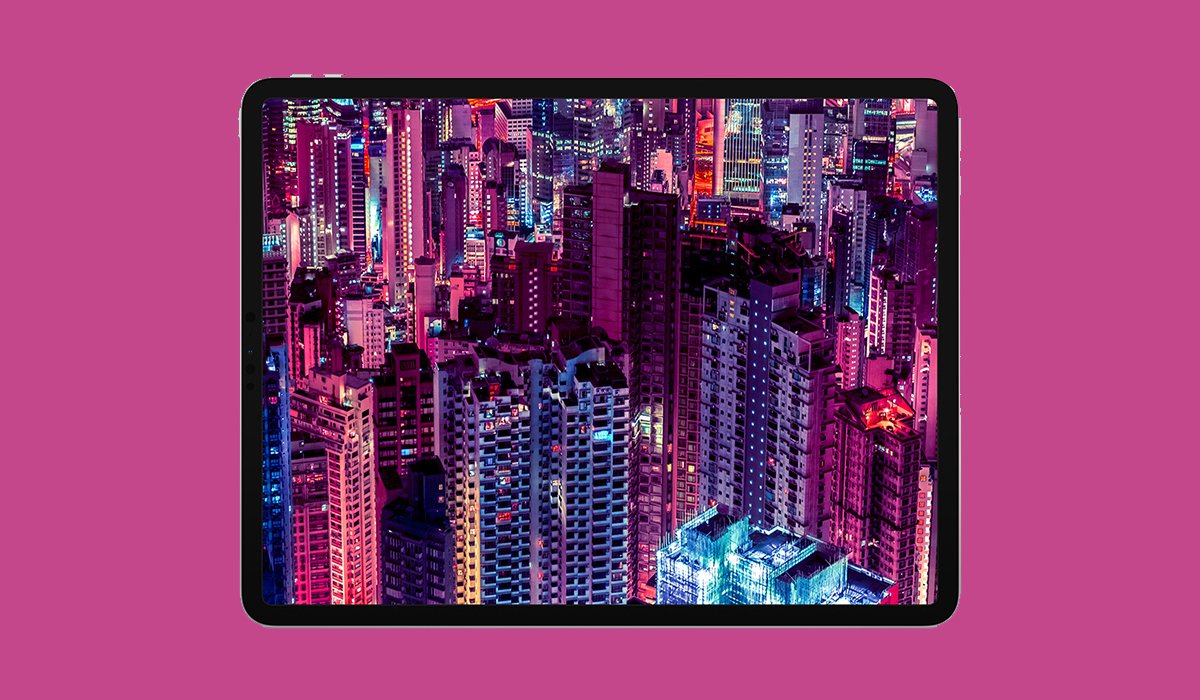
The iPad Pro is a powerhouse and beats many high-end machines to dust with its performance. It’s 35% faster than the previous iPad and 75% faster than all of the PCs as claimed by Apple. The new A12X Bionic chip is even faster than Apple’s Core i7 MacBook Pro according to the benchmarks. It’s the most powerful chip Apple has ever housed in an iPad or any other tablet.
A12X Bionic isn’t just incredibly fast but offers efficient battery life, thanks to the next generation Neural Engine. The iPad Pro can last ten straight hours without disappointment. The all-day battery life makes it a compelling partner for your daily tasks.
A12X Bionic isn’t there just to sit around and perform daily tasks. The new chipset lets you explore the AR world that is coming up in the future. Apple has been working on ARKit. App developers are embracing augmented reality as a platform which can change how people use apps and see things from their phones. iPad Pro can handle multi-threaded tasks just like any other Pro machine. It delivers incredible performance with immersive AR experience. Developers are already rolling their sleeves up to develop astonishing applications to explore the AR world, and Apple is paving the way to make it possible.
Software
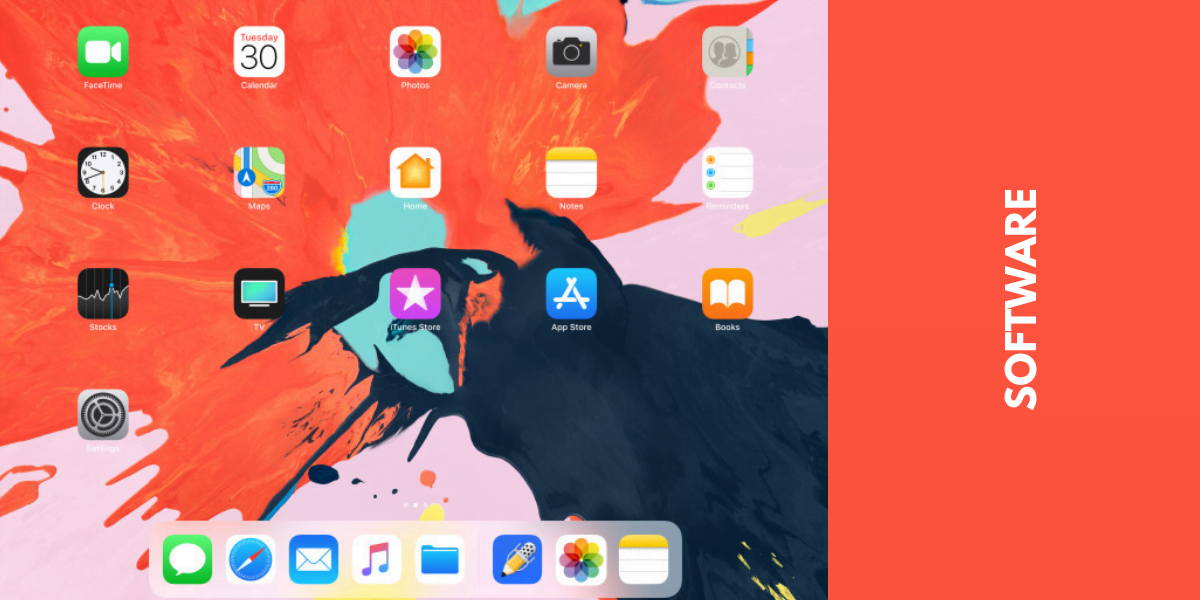
The iPad runs the latest version of iOS with all the features exclusive to iPad-like split screen, Apple Pencil features. The lack of the iconic home button on the new iPad means you have to welcome gestures on board. You can tap to wake, swipe up to jump right to the home and swipe between apps with all other new gestures in the iOS. The gestures are still not mature and need time to adapt as some of these gestures are fairly similar and take time to get used to them.
Operating System
When it comes to Apple’s operating systems, it is considered one of the most consistent as well as secure operating systems. The iOS on iPad Pro is great, but there are some caveats. The problem with iOS is that it still can’t compete with the desktop-class operating systems.
Let’s talk about the file management of the iOS. iOS file management is awful, and when it comes to a machine like iPad Pro, it’s no brainer that it’s the most complained about feature in this machine. The iPad Pro is a beast, but there are some limitations of the iOS that are in the way of making it a perfect computer.
Apps on iPad
With the iPad Pro launch, Adobe announced to bring real photoshop on iPad Pro. Apps run smoothly on this beast thanks to A12X Bionic chip. The A12X Bionic chip can efficiently run the full version of Adobe’s Photoshop and doesn’t get tired. Games and Augmented Reality applications work like a charm on this hardware rhino.
Pencil and Keyboard
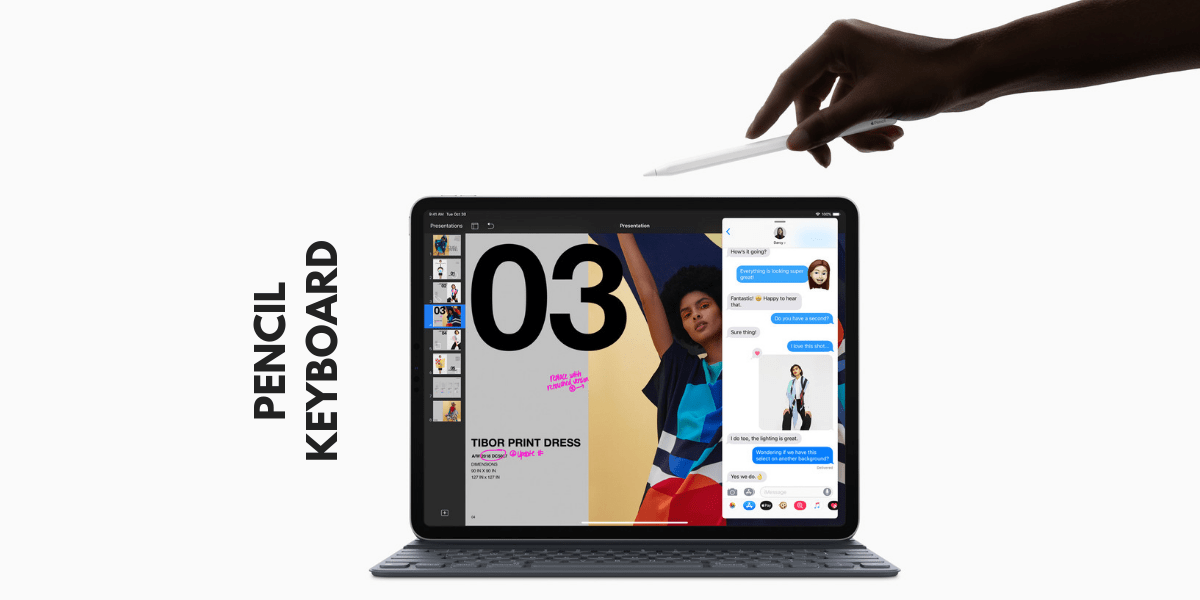
This year, Apple didn’t just upgraded the display of the iPad and bragged about its best iPad till date. Another incremental update was the new Apple Pencil. Remember the awkward way of charging the first generation Apple Pencil? Well, you don’t have to charge it that way anymore. Bummer; the new Apple Pencil cannot be used with older devices. If you want to use the new Apple Pencil, you have to get the iPad Pro 2018.
The new Apple Pencil now supports wireless charging using the iPad Pro as the wireless charger. With all the magnets in the new iPad, you can attach the pencil on the right side, and it starts charging wirelessly. Apple Pencil also gets touch support to handle simple features in different apps, just tap and perform the action. These features are handy when it comes to designing in Photoshop or other apps.
The pencil also becomes a handy tool for designers in apps like Autodesk, Procreate and Adobe applications. The creative genius in everyone comes out when they get to use the pencil to its full potential. Apple Pencil’s touch support enables developers to add many useful features to their apps.
USB-C
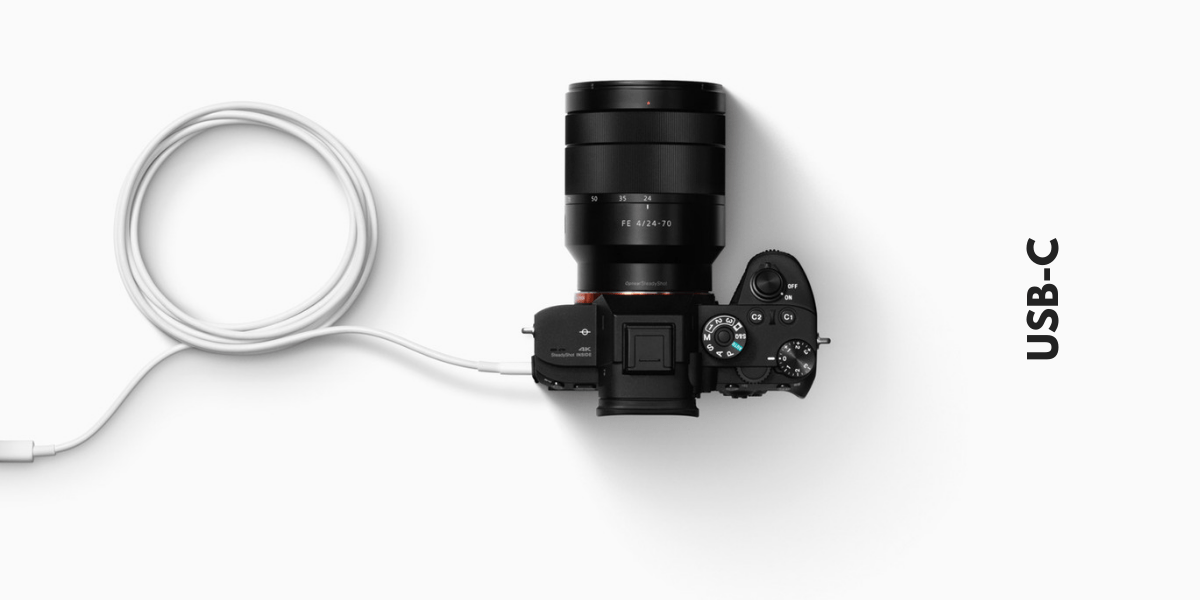
Apple understood the need of USB-C in the iPad and replaced lightning port with USB-C. But it’s not that exciting. Before starting on the new USB-C, let me tell you, the headphone jack is no more.
When we talk about USB-C, we assume that life gets convenient. Theoretically, it means that you can connect everything with USB-C but NO! USB-C everything is a geek’s dream come true, but it’s not super well developed.
As we all know the limitations of Apple’s ecosystem, the USB-C is also limited in some ways. Yes, you can charge your iPhone with the USB-C right away, you can also connect a lot of USB-C accessories, you can connect cameras, keyboards and external displays now but unfortunately, there are some things that Apple doesn’t want you to connect. Almost all external devices with app support work pretty subtly, but you cannot plug any extra storage: no flash drives, no hard drives. iOS will automatically open the screen prompting you to import the photos when you plug an SD card or a camera to it.
This means that the iPad just missed the chance to kill the need for laptops and computers for our daily tasks. You still have to go to your notebook to perform something that you want to do on your tablet PC. Because you can always connect accessories with your laptop, it’s like plug and play.
It’s frustrating when you have all that power in a machine, and you can’t use it the way you want to use it. It is Apple’s way of showing off and saying, hey, that’s how it is. If Apple let us use the iPad our way, it will be far more productive than it is now. USB-C clearly opens the doors to many possibilities in the future, but Apple is still in the middle controlling the way we use it.
Can it replace laptops?
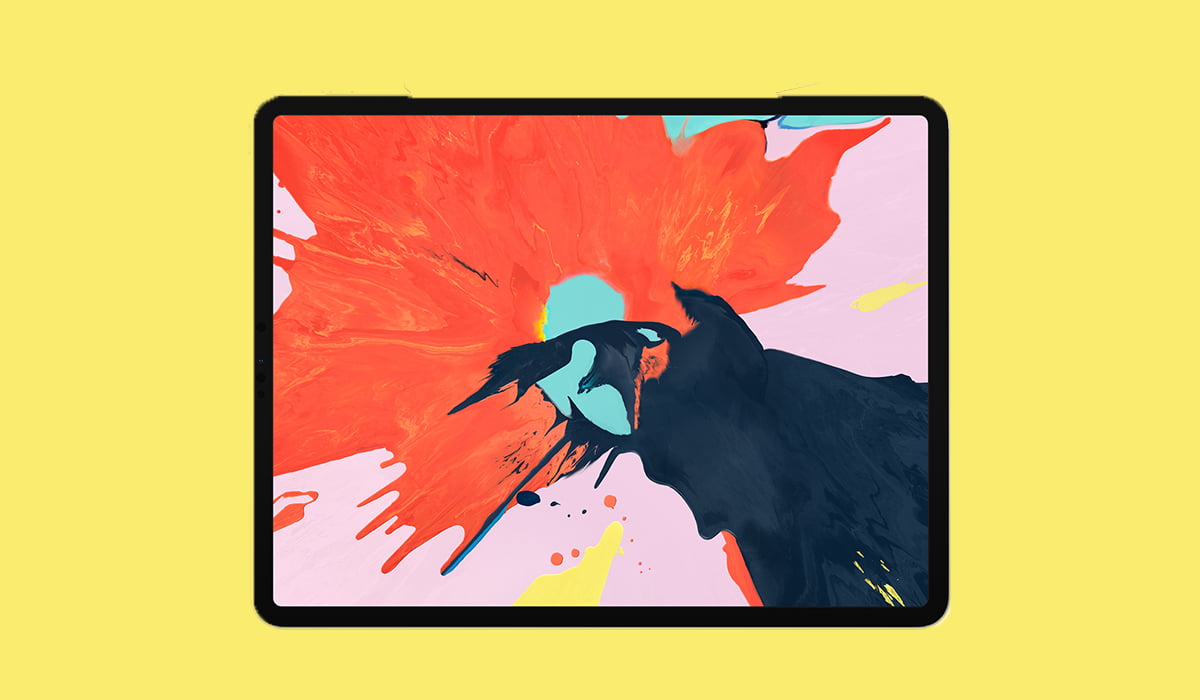
The iPad Pro 2018 is a great machine, and it costs more than a laptop. It also scores higher in the benchmarks when compared to some Apple laptops, but it’s still not the device that can replace our laptops. It should make me flutter and fall in love with this gadget, but that’s negatory.
The iPad is a great machine, but it cannot replace laptops, at least for now. The tablets were designed to stay between the phones and laptops, but it seems that iPad has come a long way. With the iPad Pro and all its power, Apple appears to miss the shot by not making it more “open.” It could have been the best tablet PC with the substantial file management system, but Apple is sticking with the way it is.
The USB-C could be a way to open a lot more possibilities of making the iPad a compelling work machine; however, with all these limitations from Apple, we might not be able to see other accessories work with iPad anytime soon.
Verdict
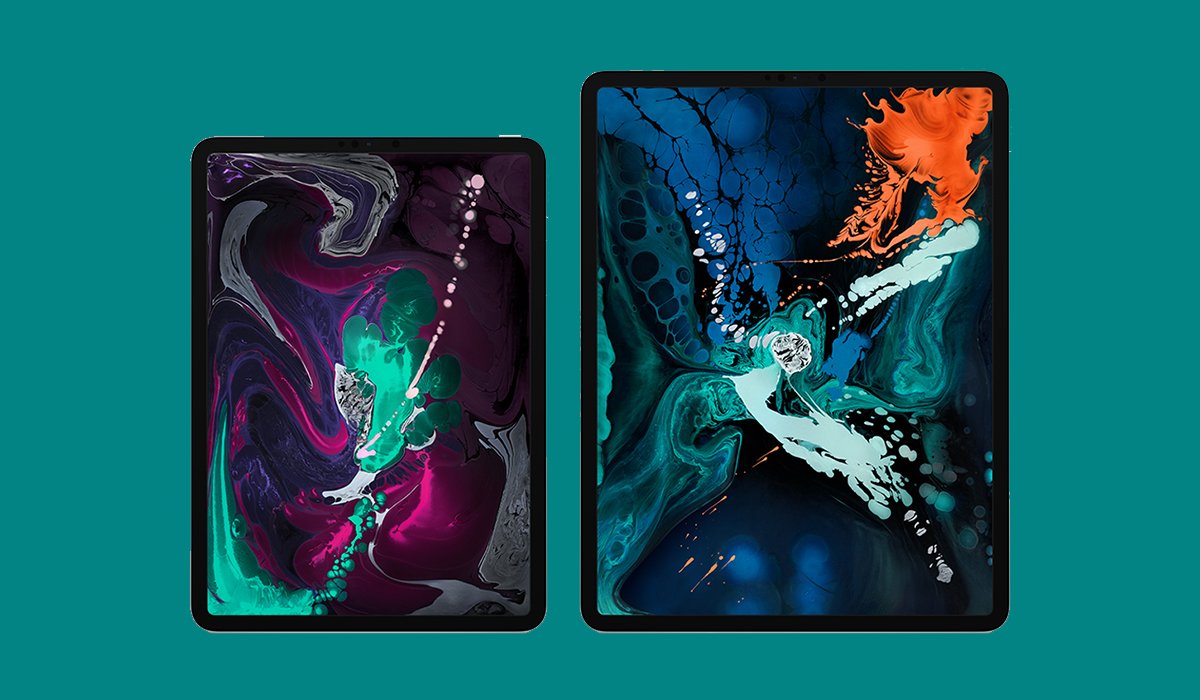
The 2018’s iPad Pro is a win-win in almost every way, but if Apple wants the iPad to take over the PCs and Laptops, they have to make it more open than it is now. Why can we not use it the way we want? The USB-C theoretically connects with many external devices that are supported by Apple but ditching external storage is awful. I would love to see every USB-C accessory work with the iPad, otherwise, what’s the purpose? I can use my laptop for portability and use all of the USB-C compatible things.
So, here it is, the iPad Pro 2018 review. It’s the greatest iPad since the inceptions but with some caveats. You can use it as your mainstream device, you can send emails, edit photos and videos, create stunning visuals using real Photoshop but it’s still not ready to take charge of our laptops. Maybe, Apple will surprise us in 2019. You can buy iPad Prohere.



Share Your Thoughts