

Pricing and Specs
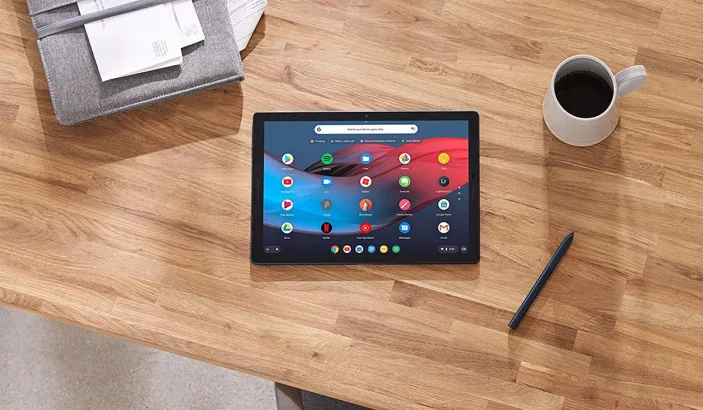
Let’s take a look at the pricing, first and foremost. The base version costs $599, but the fully specced-out version can run close to two thousand dollars. This, after we include the pen and keyboard with it. This is definitely an eye-watering price. Google has decided to offer the Slate in five different price points.- Intel Celeron Process with 4GB RAM and 32 GB storage – $599
- Intel Celeron Process with 8GB RAM and 64 GB storage – $699
- Intel 8th Generation Core M3 with 8GB RAM and 64 GB storage – $799
- Intel 8th Generation Core i5 with 8GB RAM and 128 GB storage – $999
- Intel 8th Generation Core i7 with 16GB RAM and 256 GB storage – $1599
Display
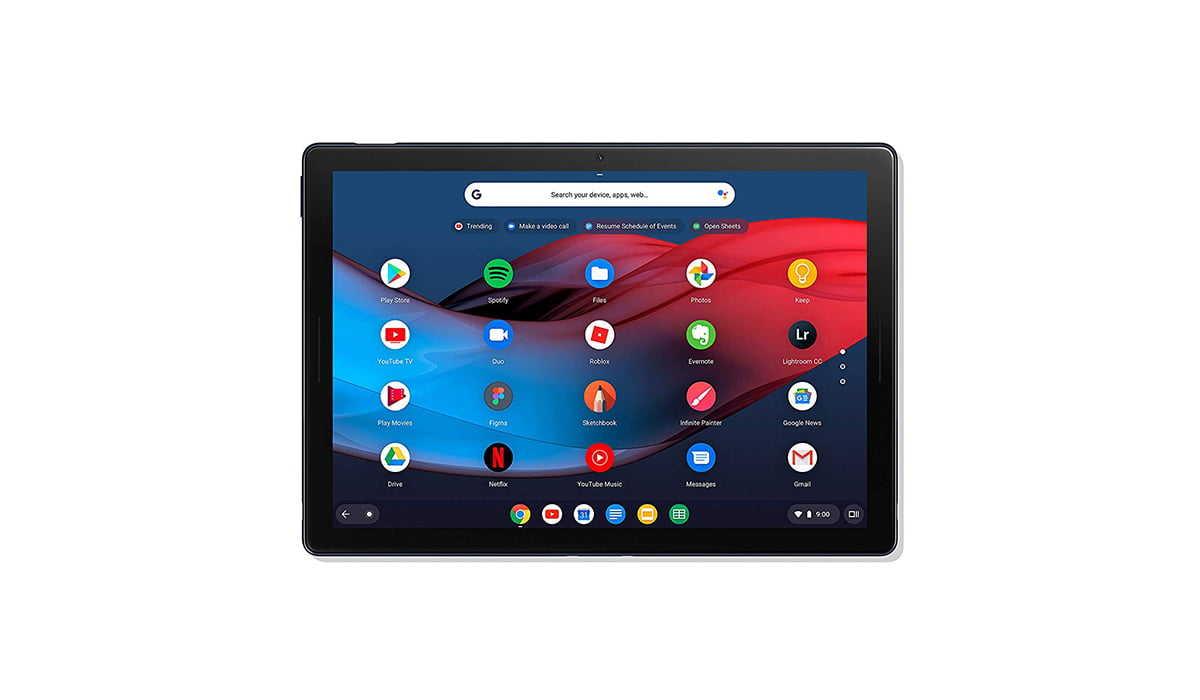 The Slate has a 12.3-inch 3000 x 2000 pixel touch enable display screen. The bezels surrounding this gorgeous screen aren’t too thick, and hardly intrusive. They are not as thin as those of iPad Pro, but still pretty decent. Google calls this the “molecular display.” It’s just a fancy name given to a pretty good LCD panel.
The thick bezels contain two front firing speakers, so they do serve a purpose.
It is very close in size to the new 12.9-inch iPad Pro and does an equally good job of looking even thinner than it is.
The Slate has a 12.3-inch 3000 x 2000 pixel touch enable display screen. The bezels surrounding this gorgeous screen aren’t too thick, and hardly intrusive. They are not as thin as those of iPad Pro, but still pretty decent. Google calls this the “molecular display.” It’s just a fancy name given to a pretty good LCD panel.
The thick bezels contain two front firing speakers, so they do serve a purpose.
It is very close in size to the new 12.9-inch iPad Pro and does an equally good job of looking even thinner than it is.
Ports, FingerPrint Reader, and Bluetooth
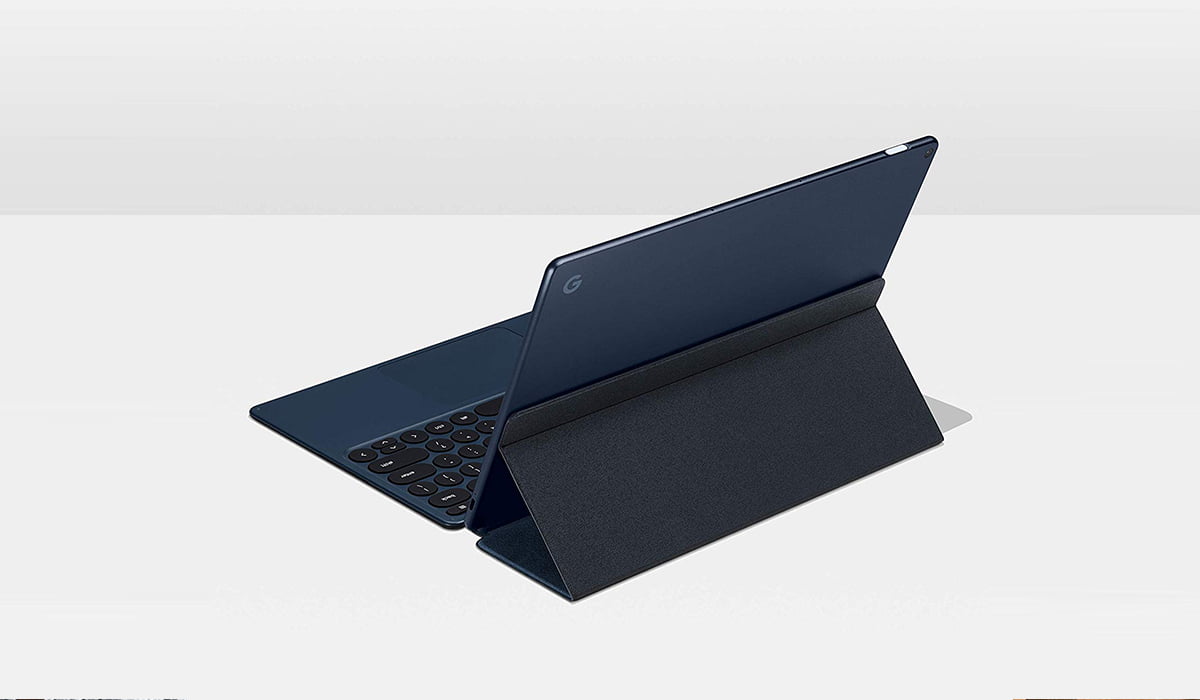 It has two USB-C ports for fast transfer speeds. The Slate does support many, many external devices connected via the USB-C ports. This helps make the Slate more versatile. External mics, hard drives, and even webcams work really well.
It does not come with a 3.5mm headphone jack. This isn’t a surprise since Google does not include a 3.5mm headphone jack with its Pixel line of smartphone devices either. It is still an inconvenience in my opinion.
Unfortunately, this is even a bigger problem than I initially thought. The Bluetooth driver is really buggy; it keeps crashing. This means that there may be times when you will have to simply rely on the built-in speakers. No 3.5mm jack or reliable Bluetooth means no headphones. MEGA BUMMER!
The Power Button acts as a fingerprint reader for added security.
It has two USB-C ports for fast transfer speeds. The Slate does support many, many external devices connected via the USB-C ports. This helps make the Slate more versatile. External mics, hard drives, and even webcams work really well.
It does not come with a 3.5mm headphone jack. This isn’t a surprise since Google does not include a 3.5mm headphone jack with its Pixel line of smartphone devices either. It is still an inconvenience in my opinion.
Unfortunately, this is even a bigger problem than I initially thought. The Bluetooth driver is really buggy; it keeps crashing. This means that there may be times when you will have to simply rely on the built-in speakers. No 3.5mm jack or reliable Bluetooth means no headphones. MEGA BUMMER!
The Power Button acts as a fingerprint reader for added security.
Chrome OS
A few people are familiar with Chrome OS, so using Slate might feel cumbersome to most people. It does support Android apps, but they feel a bit different when not being used on an Android system. When the users attach a keyboard to the Slate, it performs like another tablet/laptop hybrids such as the iPad Pro and Surface Pro. When the keyboard is removed or flipped, Slate becomes a “normal” tablet. Dragging apps, and multiple opening windows feel like quite a drag, literally. The whole system seems to become really slow and laggy. Maybe a software update or GUI update will help solve this. The problem exacerbates when a user owns the base version. Intel’s basic Celeron processor cannot handle more than a few tabs or one or two apps being run simultaneously. Overall Chrome OS offers some really useful web applications, but it is still quite buggy.Keyboard
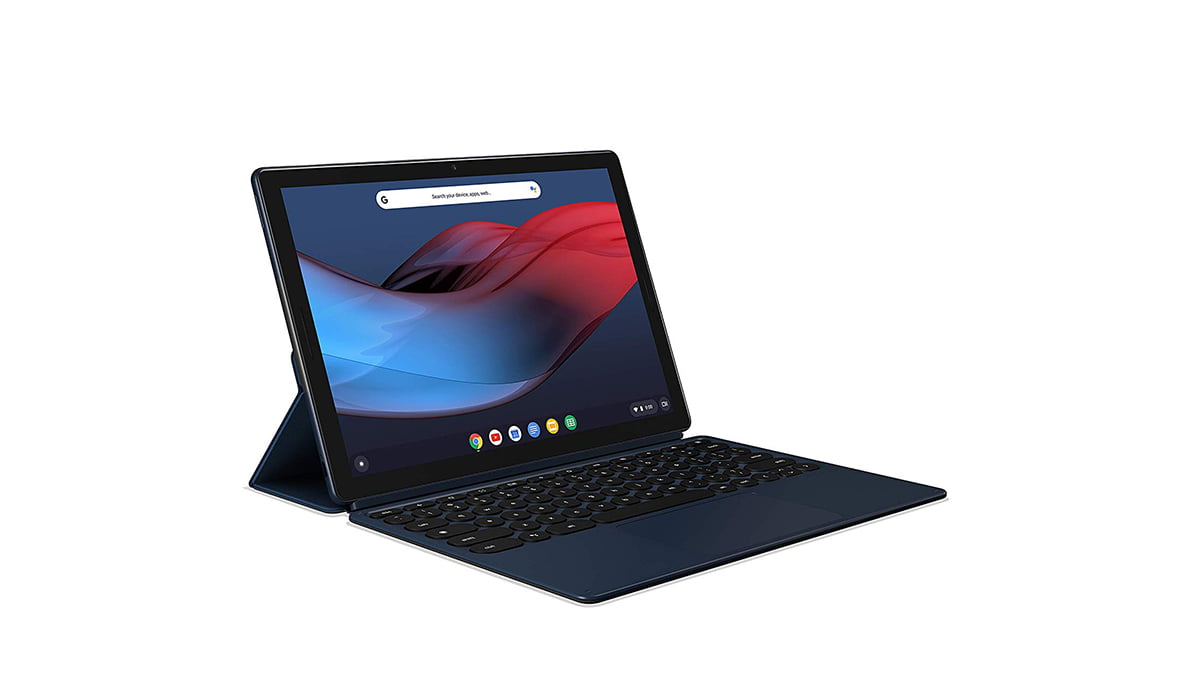 Slate’s keyboard is a folio keyboard which means it can be flipped over and get attached to the Slate via a magnet. The keyboard can be flipped and used as a support for the device. It is similar to how earlier iPad’s protective cover was implemented.
As far as the keys are considered, they are round, have a satisfying travel distance when pressed, noiseless and are back-lit, which is all good. Problems arise when the Slate is used in the lap while sitting. The keyboard starts to wobble, make noises and makes the overall typing experience something out of a horror movie.
It jerks so much that the trackpad starts to click. Totally awful. Luckily this problem disappears when the Slate is used on a flat surface.
Slate’s keyboard is a folio keyboard which means it can be flipped over and get attached to the Slate via a magnet. The keyboard can be flipped and used as a support for the device. It is similar to how earlier iPad’s protective cover was implemented.
As far as the keys are considered, they are round, have a satisfying travel distance when pressed, noiseless and are back-lit, which is all good. Problems arise when the Slate is used in the lap while sitting. The keyboard starts to wobble, make noises and makes the overall typing experience something out of a horror movie.
It jerks so much that the trackpad starts to click. Totally awful. Luckily this problem disappears when the Slate is used on a flat surface.



Share Your Thoughts