
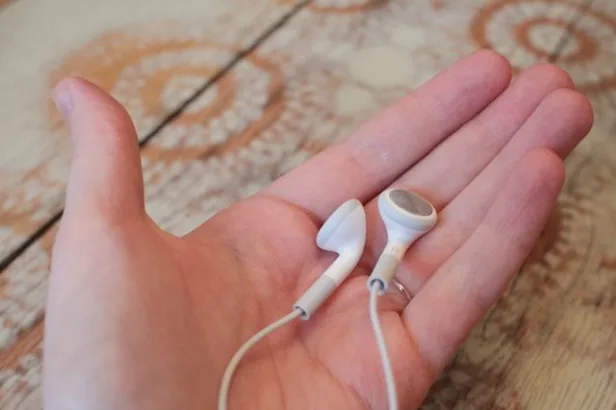
Keeping your headphones clean is important for both maintaining their performance and ensuring your hygiene. Over time, headphones can accumulate dirt, wax, and bacteria, which can not only affect the sound quality but also pose potential health risks. Additionally, sweat and moisture can build up, especially in headphones used during workouts. In this article, we will provide you with some simple and effective tips to clean and care for your headphones.
Table of Contents
Why Clean Your Headphones?
Before we delve into the cleaning process, let’s understand why it is important to keep your headphones clean. Accumulated dirt and debris can not only interfere with the sound quality, but it can also affect the longevity of your headphones. By cleaning your headphones regularly, you can:
- Maintain sound quality: Removing dirt and debris from the speakers and inner surfaces of the headphones can prevent sound distortion and ensure optimal audio performance.
- Prevent bacteria and odor buildup: Regular cleaning can eliminate harmful bacteria and prevent unpleasant odors from developing, particularly in headphones that are used during physical activities.
- Extend the lifespan of your headphones: By properly cleaning and caring for your headphones, you can enhance their durability and overall lifespan.
Also Read: Top 5 Wireless Headphones for your Work-Out
Tips to Clean Headphones and Earbuds
Step 1: Cleaning the Headphone Pads/Tips
The first step in cleaning your headphones is to clean the pads or silicon tips. Here’s what you need to do:
- Turn off your headphones.
- Mix a small amount of soap with warm water.
- Dampen a cloth slightly with the soap-water mixture.
- Gently wipe the pads or silicon tips with the damp cloth.
- Allow the headphones to dry completely before using or charging them.
Step 2: Removing Dirt from the Inside
To remove dirt from the inside of the headphones, follow these steps:
- Use a small, soft brush to gently brush the inner surfaces, removing any dirt or debris.
- Take extra care around the speakers to ensure they are free from obstruction.
Step 3: Cleaning the Earbuds/Earcups
If your headphones have detachable earbuds, you can clean them separately. Here’s how:
- Remove the ear tips from the earbuds.
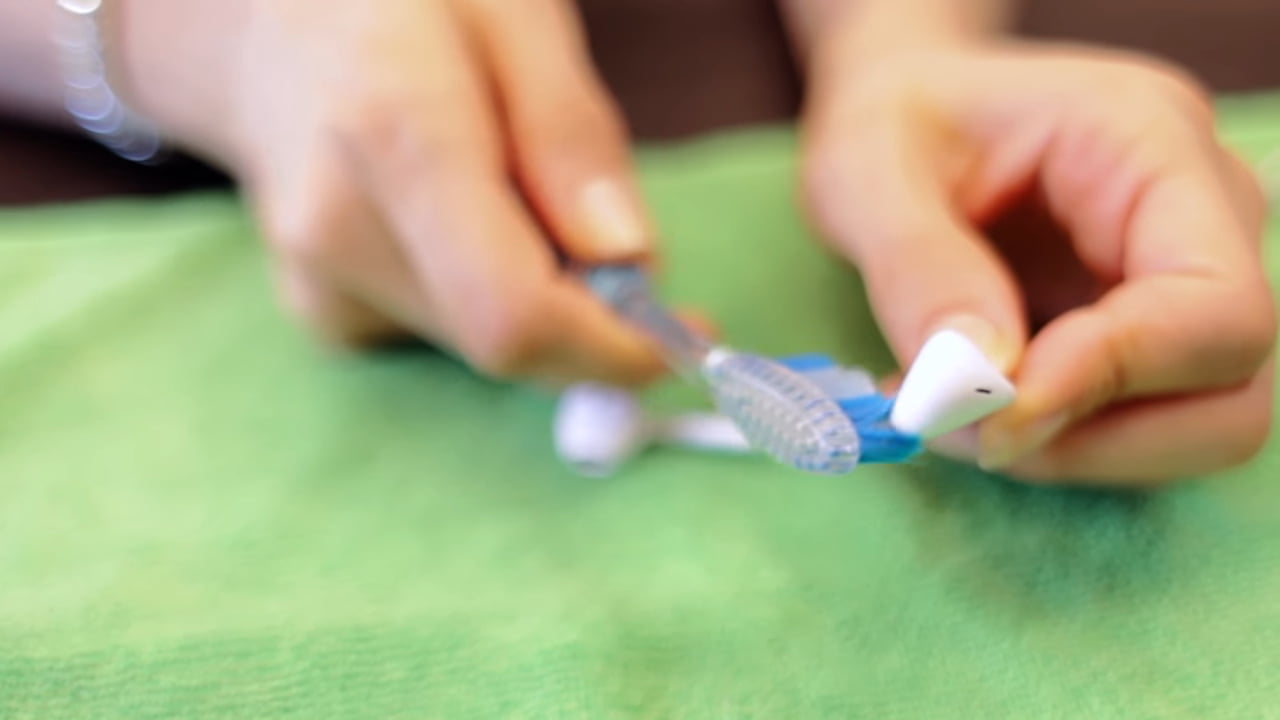
- Use a soft, dry toothbrush to gently brush the hard surfaces, removing any earwax or dirt.
- For stubborn dirt, you can use a cloth slightly dampened with water or a mild cleaning solution.
- Make sure to dry the earbuds completely before reattaching the ear tips.
Step 4: Proper Storage for Protection
To keep your headphones safe and protected, follow these storage tips:
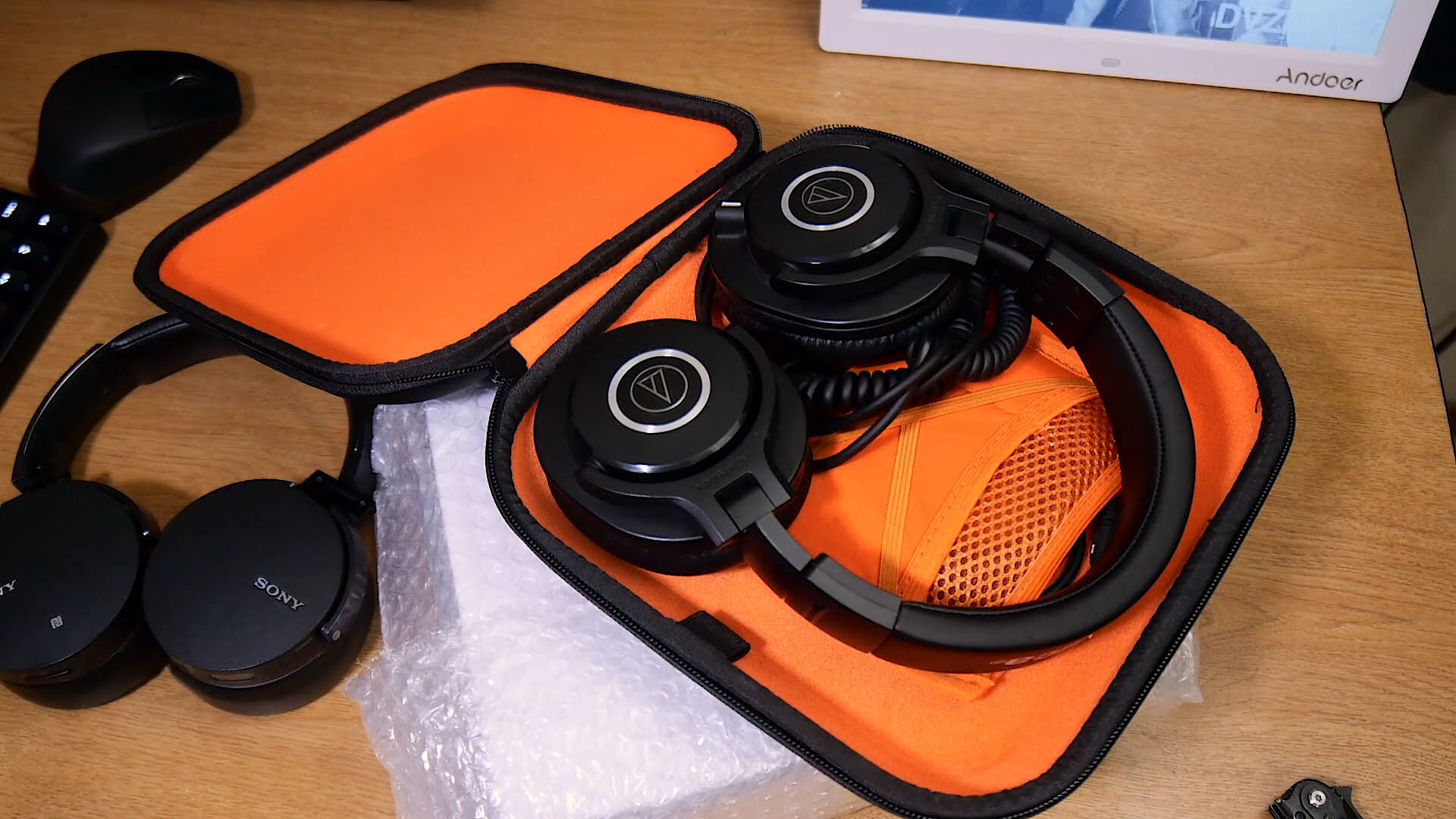
- When not in use, always store your headphones in a bag or case to protect them from impact, dirt, and scratches.
- Choose a case that fits your headphones properly to provide maximum protection.
- Avoid storing your headphones in extremely hot or cold environments, as this can damage the internal components.
- If your headphones are water-resistant, still avoid storing them in humid environments for extended periods.
- Consider placing a pack of silica gel inside the storage bag/case to absorb any moisture and maintain optimal conditions.
Step 5: Proper Cable Management
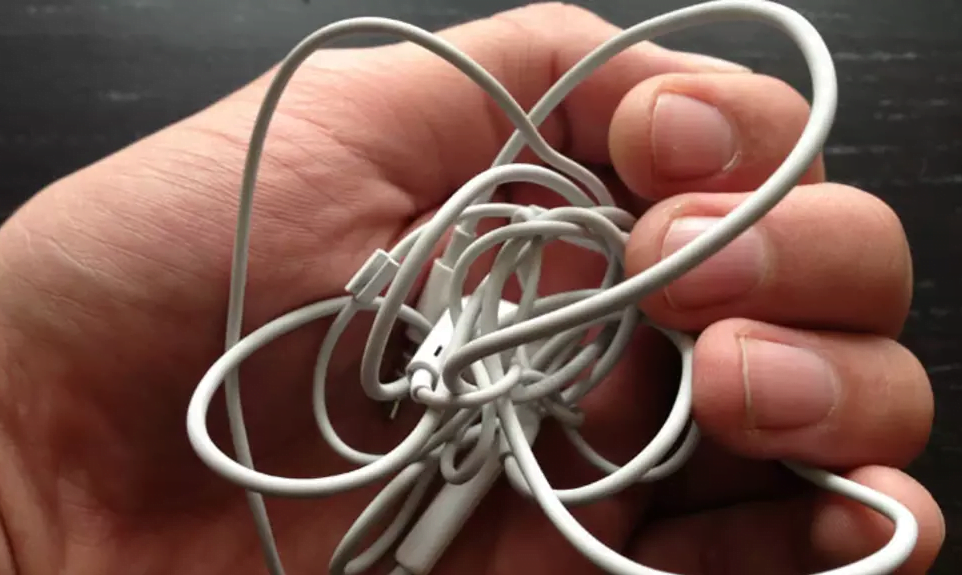
Effective cable management can prevent tangling and prolong the lifespan of your headphones. Here’s how to properly manage your headphone cables:
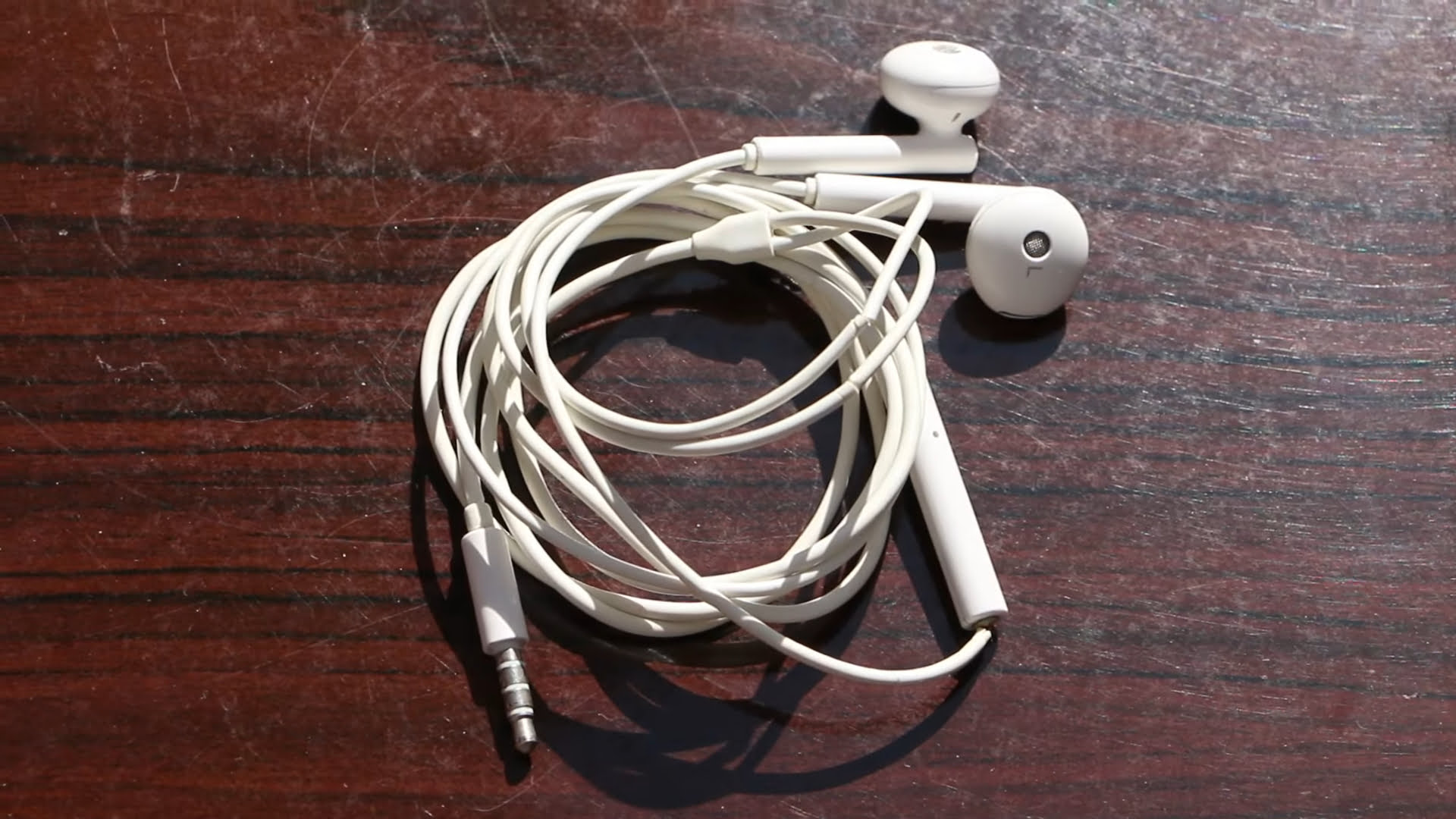
- Always wrap the cable properly. Start by looping it around your fingers to create a circle with the cable.
- Avoid creating “rat nests” of tangled cables, as this can cause damage or weaken the internal wires.
- Never unplug your headphones by pulling the cable, as this can strain and damage the wires inside.
- When removing the headphones from your ears, avoid pulling on the cord, especially with sealed headphones. Instead, grasp the earpiece and twist it slightly while gently pulling it out.
By following these guidelines, you can keep your headphones clean, hygienic, and long-lasting. Regular cleaning and proper care will ensure optimal sound quality and extend the lifespan of your headphones.
FAQs: Headphones and Earbuds Clean guide
How do you clean EarPods and headphones?
To clean EarPods and headphones, follow these steps:
1. Remove any debris or earwax using a soft, dry brush or a dry cotton swab.
2. Dampen a soft cloth or microfiber cloth with a small amount of water or mild soap solution.
3. Gently wipe the surface of the EarPods or headphones, including the ear tips and outer casing. Avoid getting moisture into any openings or speaker grills.
4. Use a dry cloth to remove any excess moisture and let the EarPods or headphones air dry completely before using them again.
5. If desired, you can also use a disinfectant wipe or isopropyl alcohol wipe to sanitize the surface of the EarPods or headphones. Make sure to follow the manufacturer’s instructions and avoid excessive moisture.
Remember to handle your EarPods and headphones with care while cleaning to avoid any damage.
Can you clean earbuds with alcohol wipes?
Yes, you can clean earbuds with alcohol wipes.
How do you clean sweat out of earbuds?
To clean sweat out of earbuds, follow these steps:
1. Remove the earbuds from your ears and disconnect them from any devices.
2. Gently wipe the exterior surfaces of the earbuds using a soft, dry cloth to remove any visible sweat.
3. Dampen a cloth or cotton swab slightly with isopropyl alcohol or a mild cleaning solution.
4. Carefully wipe the earbud mesh or rubber tips, being cautious not to push any dirt or moisture further into the earbud.
5. Allow the earbuds to air dry completely before using them again.
6. Optionally, you can use a small brush, like a toothbrush, to remove any stubborn dirt or debris from the earbud crevices.
Note: It is important to avoid using excessive moisture or submerging the earbuds in water, as this can damage the electronics.
How do you clean your ears with earbuds?
Cleaning your ears with earbuds is not recommended as it can push wax deeper into the ear canal and potentially cause damage. It is best to avoid inserting anything into your ear canal. If you are experiencing excessive earwax buildup or any discomfort, it is advisable to consult a healthcare professional for proper ear cleaning.


Share Your Thoughts