

In this guide
For a free desktop YouTube to MP4 converter, start with Open Video Downloader. Choose 4K Video Downloader Plus if you prefer a commercial app with a free tier, or yt-dlp if you want command-line control. If you only need your own uploads, YouTube Studio can provide an MP4 without installing a downloader.
An MP4 file and an offline YouTube download are different things. MP4 files can be opened in a compatible player or editor; YouTube Premium downloads stay inside YouTube. The comparison below separates those jobs so you do not pay for a service that cannot produce the file you need.
Use downloads only where you have the necessary rights and permission. YouTube’s Terms of Service restrict downloading except where the service authorizes it or the required permission applies. For someone else’s work, a download supplied by the creator is often the simplest option.
Which YouTube to MP4 option should you choose?
| Option | Choose it for | Platform | Cost / approach | Main limitation |
|---|---|---|---|---|
| Open Video Downloader | Free desktop MP4 downloads | Windows, macOS, Linux | Free; graphical interface | Depends on yt-dlp support |
| 4K Video Downloader Plus | Point-and-click app with paid upgrades | Windows 11, macOS 12+, Ubuntu 22.04+ | Free tier; paid licenses | Free downloads have quantity limits |
| yt-dlp | Precise format and batch controls | Windows, macOS, Linux | Free; command line | Extra dependencies for full functionality |
| Parabolic | Linux desktop workflow | Linux, Windows, macOS builds listed | Free; graphical interface | Check release assets for your platform |
| ytDownloader | Clip selection and compression | Windows, macOS, Linux | Free; graphical interface | Unsigned macOS build adds installation friction |
| NewPipe | Android video downloads | Android | Free; separate app | Not an iPhone app |
| YouTube Studio | MP4 copies of your own uploads | Web | Free; account required | 360p or 720p exports |
| YouTube Premium | Offline watching, not MP4 export | YouTube apps; supported desktop browsers | Paid; region-dependent | Files cannot be transferred to another player |
The order favors a straightforward free desktop workflow, followed by a commercial alternative and more specialized tools. It is a suitability ranking based on documented features, platform support, and restrictions, not a download-speed benchmark or a guarantee that every YouTube link will work.
1. Open Video Downloader: best free desktop starting point
Best for: People who want format and quality controls without typing commands.
Keep in mind: The app uses yt-dlp, so YouTube changes can affect it too.
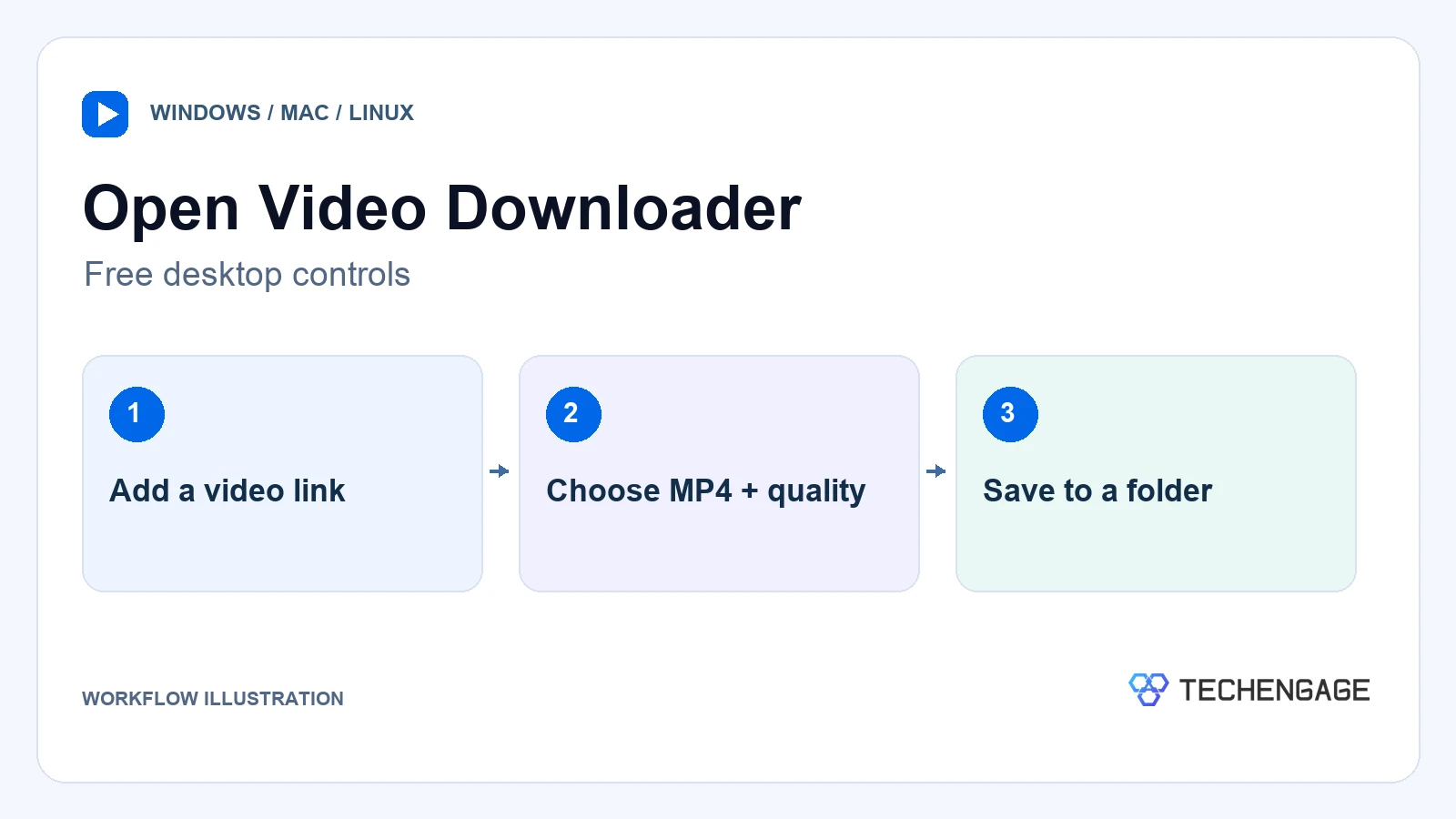
Open Video Downloader puts a graphical interface around yt-dlp. You can choose resolution, frame rate, output format, and a destination folder, with support for playlists, available subtitles, and metadata. Windows, Intel and Apple Silicon Macs, and Linux builds are listed by the project.
It earns the first position because the common task is simple: choose a video, select MP4, and save it to a known folder. You do not need to learn format-selection syntax just to manage a small download queue. Choose yt-dlp itself instead when you need repeatable scripts or very specific stream choices.
- Advantages: Free, open source, graphical quality controls, playlist handling, and automatic app and yt-dlp updates.
- Limitations: Support depends on the underlying downloader; some formats need merging. The project says its Microsoft Store build cannot automatically update yt-dlp, so it recommends its GitHub release.
Get the installer for your operating system from the project’s official releases. Keep the app updated rather than installing a similarly named download from an unrelated portal.
2. 4K Video Downloader Plus: best for a commercial desktop app
Best for: Windows and Mac users who prefer a conventional desktop app with optional paid features.
Keep in mind: Try the free tier before paying; quantity limits and license terms matter.
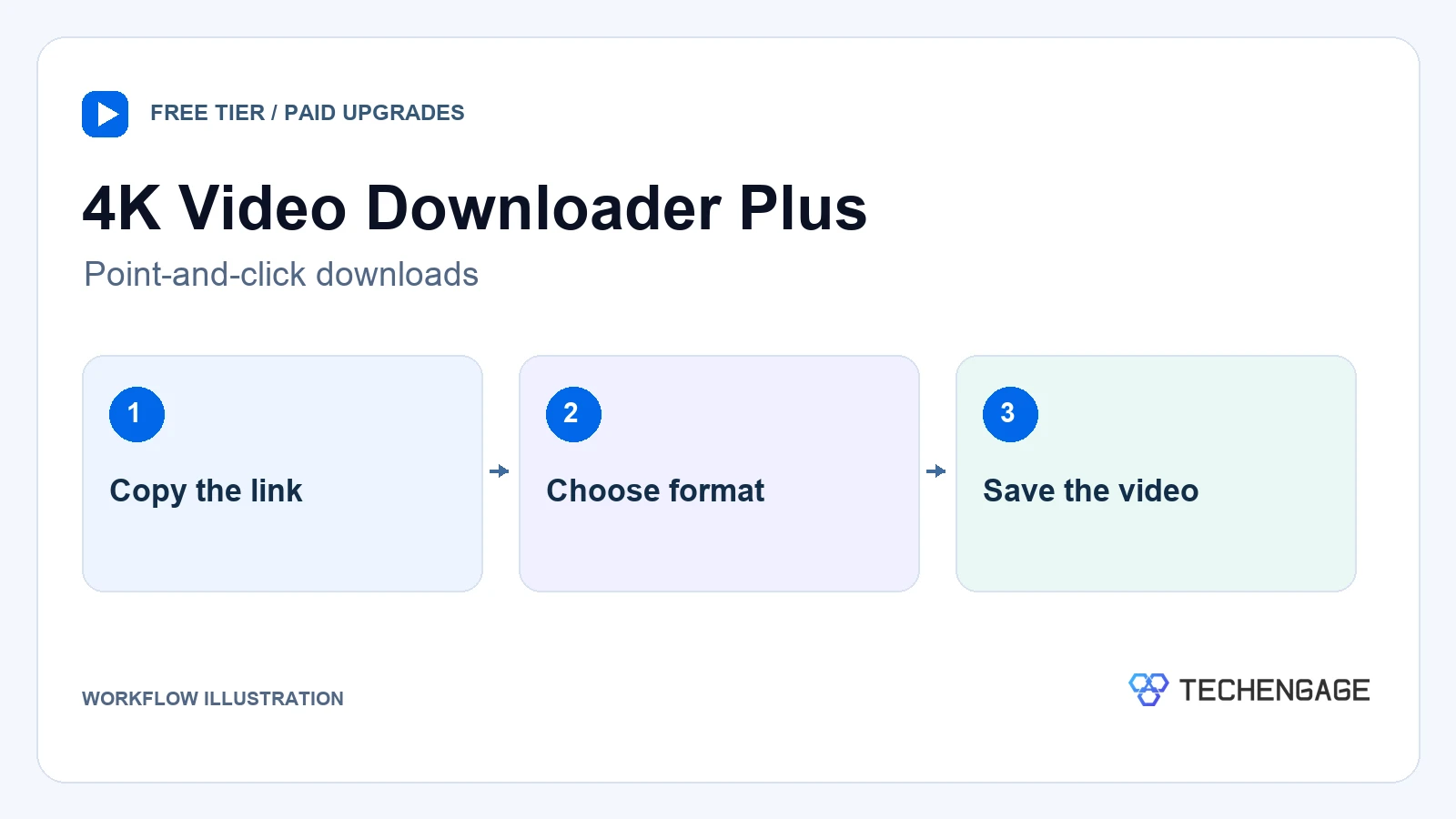
4K Video Downloader Plus supports MP4 and MKV downloads, playlists, and subtitles. Its Smart Mode applies saved preferences to future downloads, which is useful when you repeatedly want the same format and quality. The developer lists Windows 11, macOS 12 or newer, and Ubuntu 22.04 or newer with GNOME.
The developer advertises resolutions up to 8K, but that depends on the source and available formats. Selecting a higher resolution cannot restore detail missing from the upload. MKV may be preferable for some long, high-quality videos; MP4 is the more useful target when your player or editor specifically requires it.
The official page lists a free Starter tier, Lite at $15 per year, Personal at $25 for a lifetime license, and a $45 promotional Pro lifetime price. These were the displayed USD offers on October 11, 2026; check the license and checkout before buying. “Lifetime” describes the license offer, not a guarantee that YouTube compatibility will never change.
- Advantages: Saved download preferences, several output choices, and a free tier to try before upgrading.
- Limitations: The free version has quantity caps; paid tiers differ. It is closed-source, and there is no basis for promising faster downloads than the free options.
Choose this over Open Video Downloader if its interface and paid features fit your routine. The vendor’s Android downloader is a separate app, so do not assume a desktop license or feature applies to your phone.
3. yt-dlp: best for advanced control
Best for: People comfortable with a terminal, repeatable commands, and selecting individual formats.
Keep in mind: Install the documented dependencies; an MP4 container alone does not guarantee device compatibility.
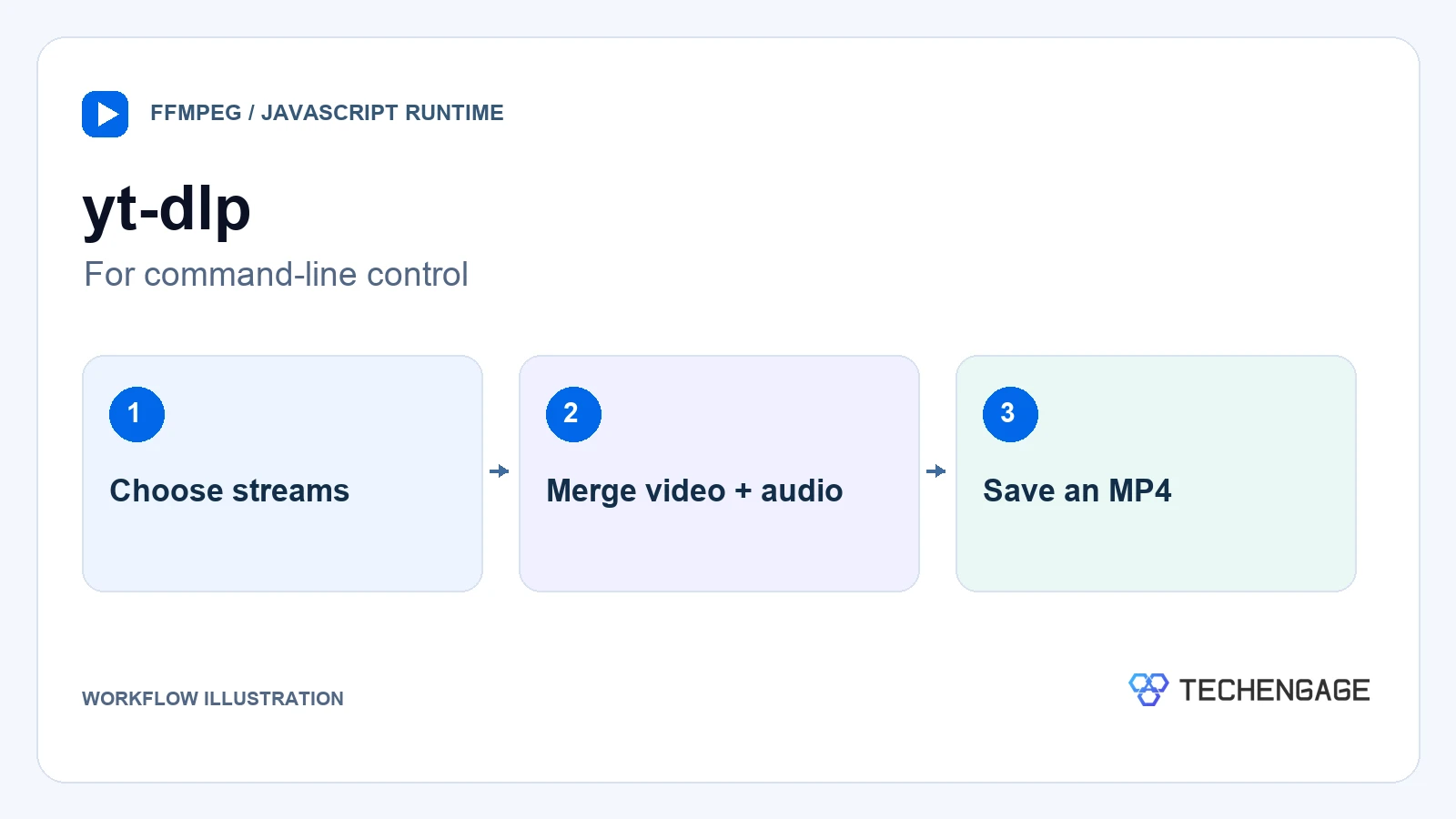
yt-dlp is the command-line tool behind several apps in this guide. It gives you control over format selection, filenames, subtitles, and batches without a graphical interface. It is the sensible choice when you want to repeat a carefully defined task rather than click through the same settings each time.
Its documentation recommends FFmpeg and FFprobe for media processing and merging separate audio and video streams. Full YouTube functionality also uses the yt-dlp-ejs component and a supported JavaScript runtime, with Deno recommended. Follow the installation instructions for your distribution rather than assuming every package includes the same components.
For a video you are authorized to download, the documented MP4 preset is yt-dlp -t mp4 "VIDEO_URL". Replace VIDEO_URL with the actual link. The preset prefers compatible codecs and remuxes into MP4; it does not create a higher-quality source or guarantee that every device can decode the result.
- Advantages: Free and open source, detailed format controls, scripting, and access to the project’s own troubleshooting documentation.
- Limitations: More setup than a desktop app; error messages and dependency changes require technical attention.
Update using the method appropriate to your installation. yt-dlp -U applies to supported standalone builds; package-manager installations should be updated through that package manager.
4. Parabolic: best for a Linux desktop workflow
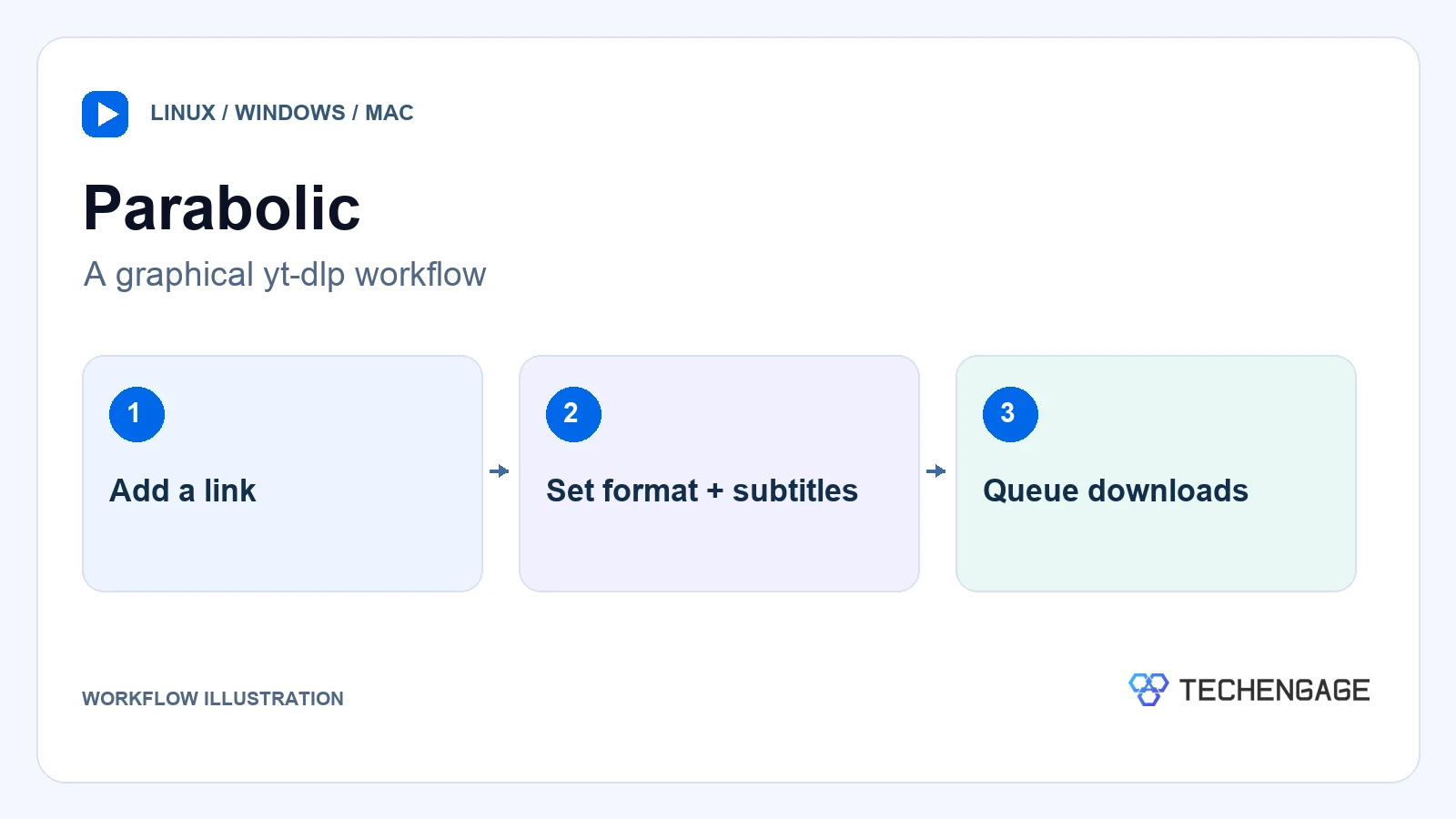
Best for: Linux users who want a graphical downloader with subtitles and queue controls.
Keep in mind: Confirm that a current release is available for your operating system before installing.
Parabolic is another graphical front end for yt-dlp. Its documented output formats include MP4 and WebM for video, plus several audio formats. It supports concurrent downloads, metadata, and subtitles, so it suits people organizing more than a single file.
Linux users can obtain it through Flathub. The project also lists Windows and macOS releases. Its GNOME interface makes it a relevant alternative to the other desktop apps, especially if you already prefer Linux software distributed through Flatpak.
- Advantages: Graphical format selection, subtitle support, concurrent downloads, and a Linux-oriented installation route.
- Limitations: Like the other yt-dlp front ends, it cannot promise uninterrupted support after YouTube changes. Platform-specific builds and installation requirements need checking.
5. ytDownloader: best for clips and smaller files

Best for: Users who need a section of an authorized video or want to compress a large file.
Keep in mind: Compression can reduce quality, and the macOS installation has extra requirements.
ytDownloader adds range selection and a video compressor with hardware-acceleration support to the usual download workflow. Those features are useful when a full-length file is unnecessary or storage space matters. The project lists Windows, macOS, and Linux support, along with playlists and subtitles.
Pick a suitable source quality first. Compressing an oversized download afterward can take more time, and a smaller output may lose detail. If you need a clip for editing, check both ends of the exported segment and retain the original source where permitted.
- Advantages: Range selection, subtitles, playlist support, and integrated compression.
- Limitations: The project documents an unsigned macOS build and a separate yt-dlp dependency. Do not dismiss an operating-system security warning without establishing the installer’s source.
6. NewPipe: best for Android users comfortable installing apps
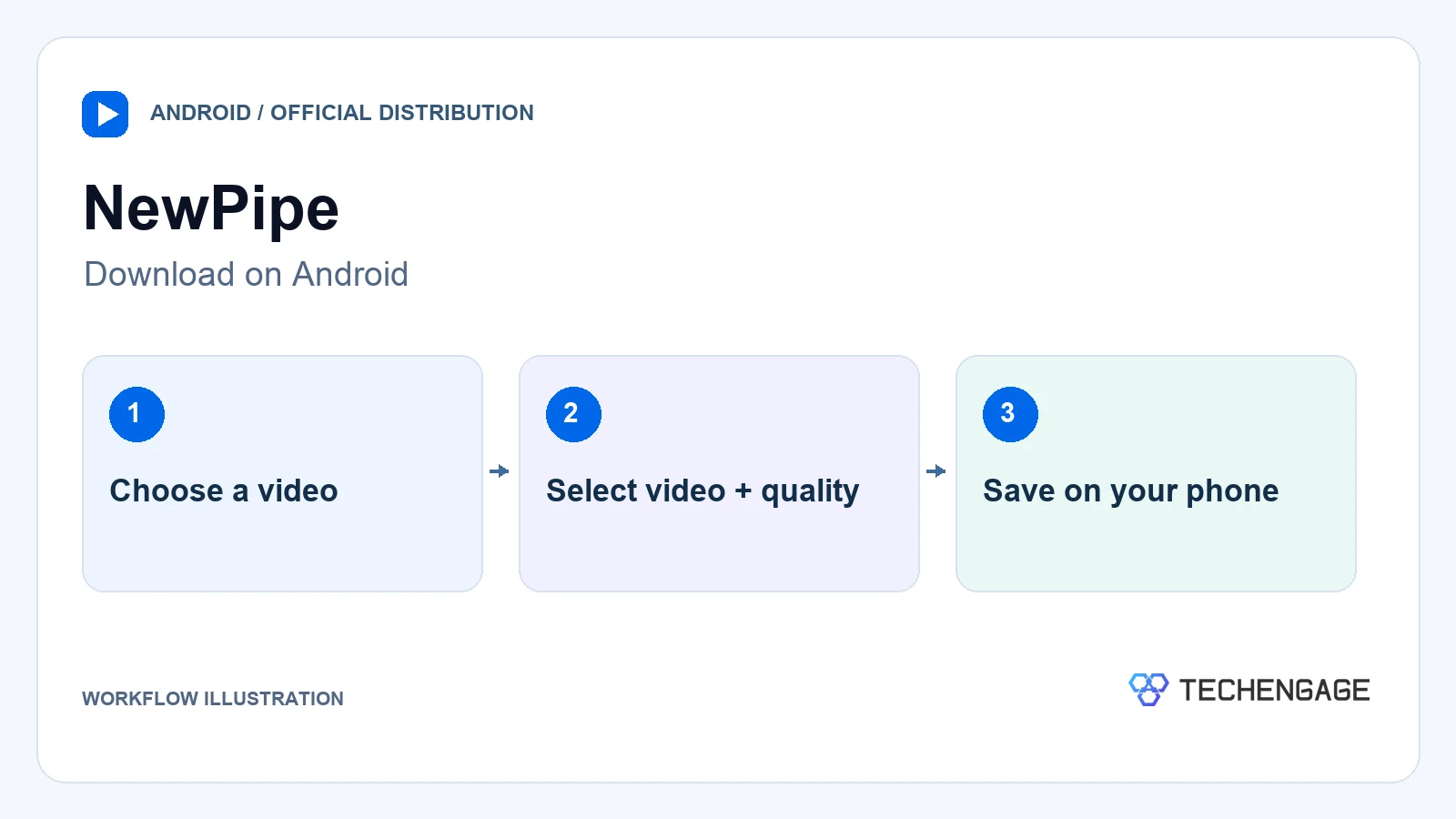
Best for: Android users who want video, audio, and subtitle download choices on the phone.
Keep in mind: Use the project’s distribution channels; there is no official iPhone version.
NewPipe is an open-source Android client that can download video, audio, and subtitles without requiring a Google account. That makes it a different proposition from a desktop converter: the files are saved on the phone, with the available quality and formats depending on the video.
The official repository provides installation information and links to supported distribution channels. An app with the same name in an unrelated store is not proof of authenticity. Pay attention to where your phone stores the file and whether the selected format works in your player.
- Advantages: Android-focused downloads, no Google-account requirement, and choices for video, audio, and subtitles.
- Limitations: Installation is less familiar than a Play Store download for many users. YouTube changes can disrupt support, and it does not serve iPhone users.
7. YouTube Studio: best for downloading your own videos
Best for: Creators who need an MP4 copy of a video they uploaded.
Keep in mind: Studio exports are not a substitute for keeping your original high-resolution master.
For your own uploads, YouTube’s download feature is the most direct starting point. Google documents MP4 exports at 720p or 360p, depending on the video size. You do not need to install a third-party converter for this job.
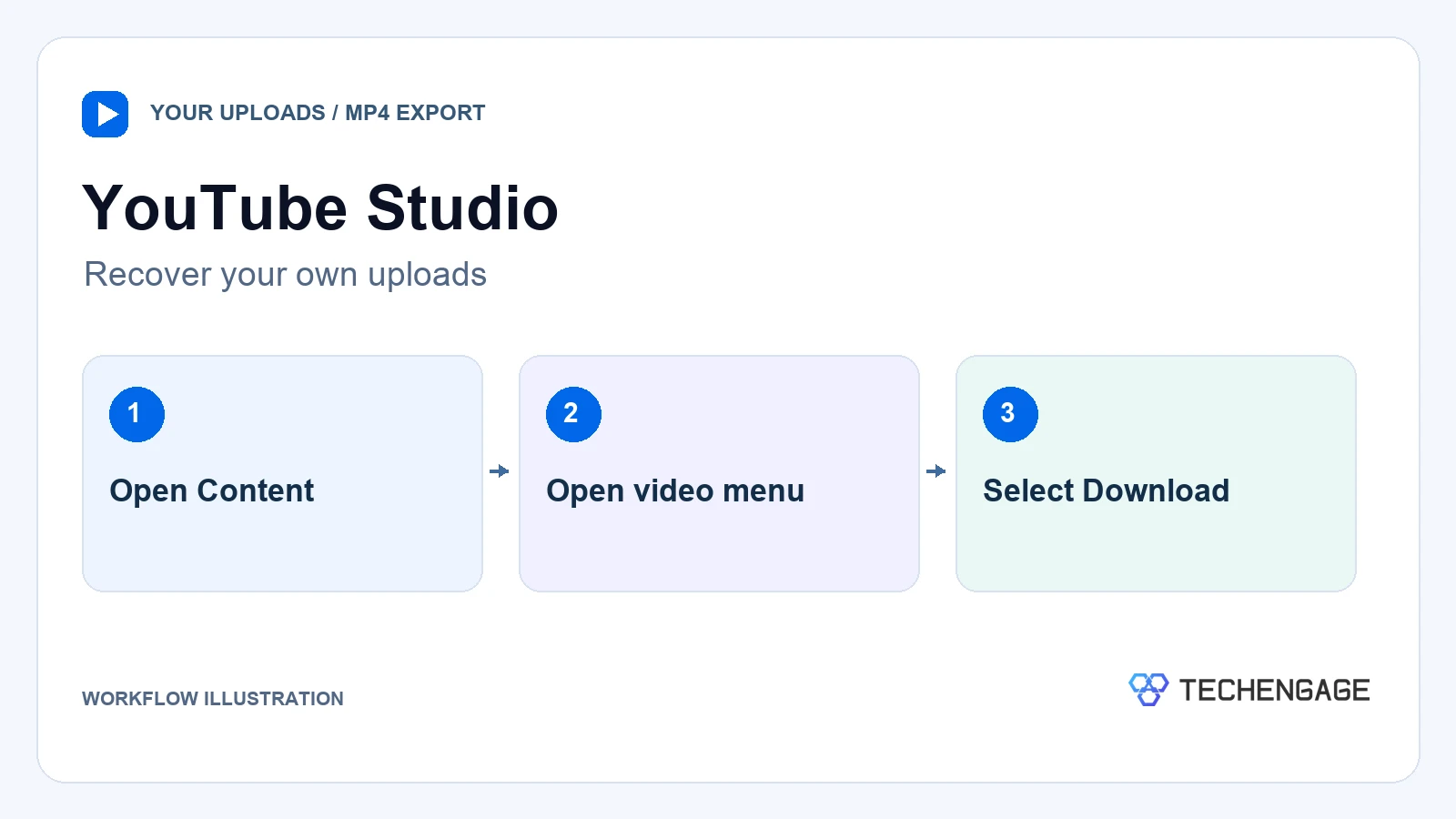
- Sign in to YouTube Studio.
- Open Content and find your video.
- Open its Menu, then select Download.
Google limits downloads of an individual video to five in 24 hours. The option can also be unavailable for removed videos, certain strikes, or preapproved audio tracks. For a larger archive, Google Takeout is the official bulk-export route.
- Advantages: Official MP4 export, no additional app, and a clear workflow for your own channel.
- Limitations: Not for downloading other channels; resolution and eligibility restrictions apply.
8. YouTube Premium: best for offline watching, not MP4 files
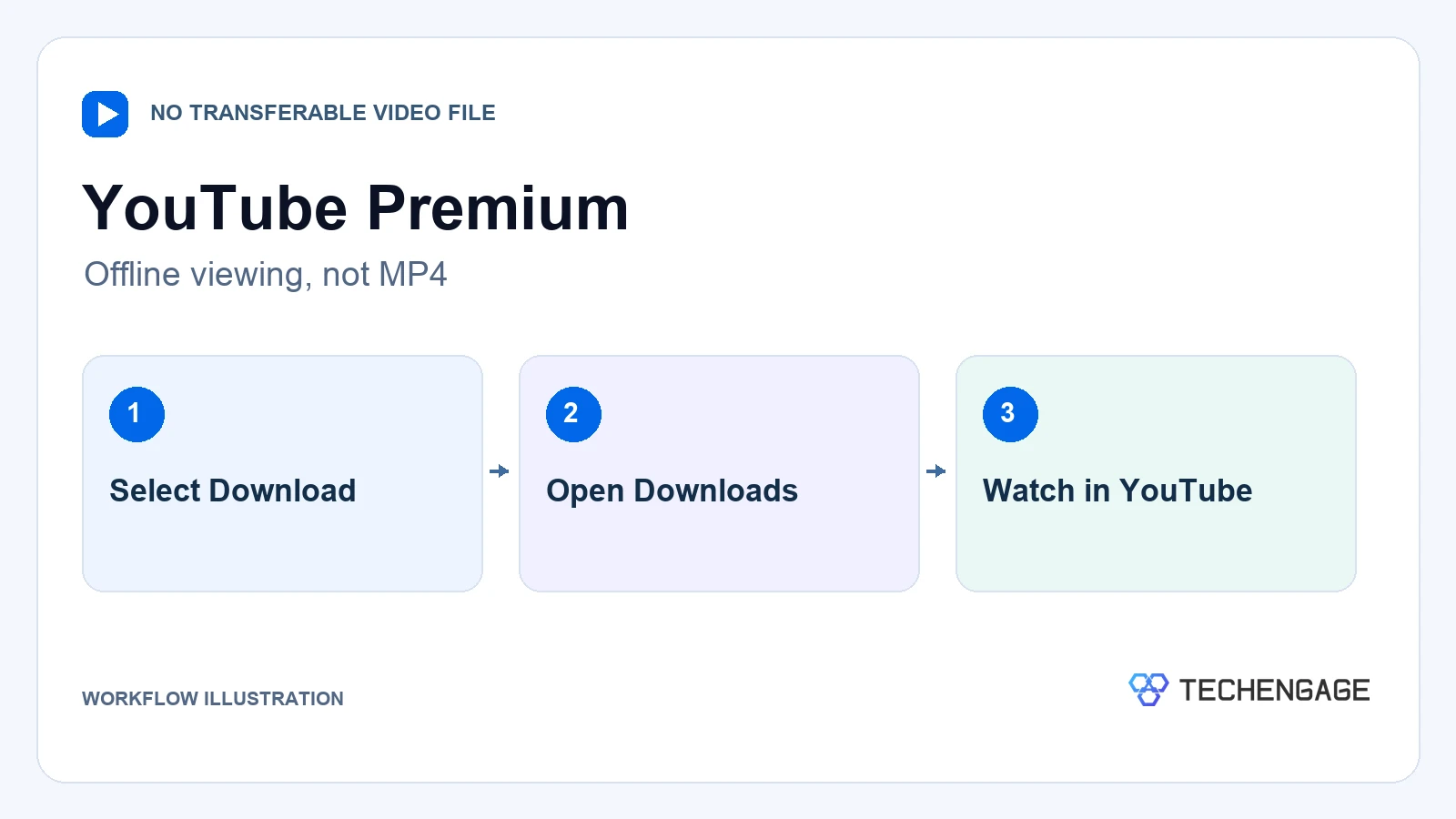
Best for: People who want videos ready for a flight or commute inside YouTube.
Keep in mind: You cannot move Premium downloads into VLC, an editor, or a USB-drive video library.
YouTube Premium downloads are an offline-viewing feature. Google supports them on mobile and in Chrome, Edge, Firefox, and Opera on computers where the feature is available. They are not MP4 exports, so Premium should not be bought solely to obtain editable files.
Google says offline videos can normally be watched for up to 29 days before reconnecting, with a shorter 48-hour period in some countries or regions. Availability is checked again when the device reconnects. Subscription price and eligibility vary by location.
- Advantages: Official offline playback without a separate downloader, including on iPhone and iPad.
- Limitations: Playback remains in YouTube, periodic reconnection is required, and there is no transferable MP4.
How to get an MP4 that plays correctly
A downloader usually retrieves an existing video stream; it is not necessarily converting the video into a new codec. MP4 is the container. The video and audio codecs inside it determine whether an older television, editor, or phone can play the file.
- Match the destination: Check the player or editor’s supported codecs. H.264 video with AAC audio is a useful compatibility target, but verify the device requirements.
- Choose the quality you need: A larger resolution means more storage and is not always available. Avoid downloading an oversized file simply because a menu offers it.
- Include audio: Higher-quality sources may provide video and audio separately. Ensure the tool can merge them instead of leaving you with a silent video.
- Check the result: Play the beginning and a later section, confirm sound, and check subtitles before deleting a source copy.
If your task is audio rather than video, use the YouTube to MP3 guide. For playing a saved file on a bigger screen, see casting from VLC to Chromecast.
What to do when a download fails
- Update the correct component: Use the app updater or your package manager. Several apps share yt-dlp, so switching between them may not fix the same underlying issue.
- Read the error: A missing dependency, unavailable video, and unsupported format need different fixes. Check the project’s official issue tracker before changing unrelated settings.
- Try a supported format: If a file has no audio, review merging requirements. If it will not play, check codecs instead of merely renaming the extension.
- Respect access restrictions: A video you cannot legitimately access is not a reason to import unknown cookies, share account credentials, or bypass access controls.
Should you use an online YouTube to MP4 converter?
A browser converter avoids installation, but its download buttons, advertising, and data handling still need scrutiny. A recognizable project name does not establish that a mirror or similarly named domain is operated by the same team. No website or open-source license can guarantee that a download is harmless.
Leave a page that asks you to allow notifications or install an unrelated player to obtain a video. An executable is not an MP4. Keep your browser and operating system updated, and use the official project links rather than search ads or download mirrors. The Chrome image-downloader guide covers a separate task; an image extension is not a YouTube video downloader.
For your own content, Studio or a creator-provided original file avoids the uncertainty of an anonymous converter. For offline viewing, Premium is a different but often sufficient solution. For an MP4 download where you have permission, choose a maintained tool whose installation and output controls you understand.
YouTube to MP4 questions
What is the best free YouTube to MP4 converter?
Open Video Downloader is a practical graphical starting point on Windows, macOS, and Linux. yt-dlp offers more direct control if you are comfortable with the command line. For your own uploads, try YouTube Studio first.
Does YouTube Premium download MP4 files?
No. Premium saves videos for playback inside YouTube. It does not provide a transferable MP4 for a separate player or editor.
Why does my downloaded video have no sound?
Some sources deliver video and audio as separate streams. Check whether your downloader has the required merging tools, including FFmpeg where applicable, and whether you selected video with audio rather than a video-only format.
Can I save a YouTube video in 4K as MP4?
Only when the source and tool provide compatible streams. MP4 is a container, not a resolution or quality guarantee. A different container may be more convenient for some high-resolution formats.
Can I download someone else’s YouTube video?
YouTube’s terms restrict downloading unless the service authorizes it or the required permission applies. Copyright permission is a separate consideration. Ask the creator for an authorized download or original file instead of assuming that a public video is free to copy.


Share Your Thoughts