

In this guide
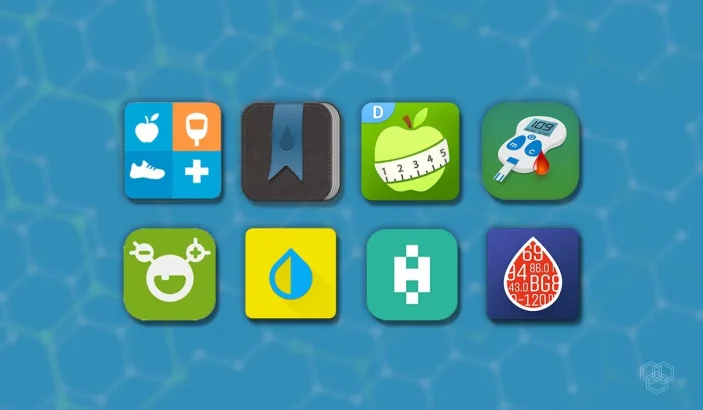
Choose a diabetes tracker that fits the way you already record your readings. mySugr suits a daily logbook, Health2Sync makes sharing records with a trusted partner useful, Glooko brings compatible device data together, and Diabetes:M offers more detailed logging and reports.
Hands-on experience: Dr. Hafsa Akbar Ali personally used all four apps featured in this guide: mySugr, Health2Sync, Glooko and Diabetes:M.
If you already use a continuous glucose monitor (CGM) or insulin pump, start with its supported app and your care team’s advice. A separate logbook can help organize information, but it does not replace the device’s required software, alerts or your prescribed treatment plan.
Compare the diabetes tracker apps
| App | Choose it for | Check before installing |
|---|---|---|
| mySugr | Everyday readings, meals and activity notes | PRO report access and exact meter compatibility |
| Health2Sync | Sharing a diary with an authorized partner | Sharing permissions and supported devices |
| Glooko | Combining compatible device records with clinic sharing | Your device, phone and clinic connection |
| Diabetes:M | Detailed manual logging and report options | Premium exports and regional feature restrictions |
These apps have Android and iPhone versions, but availability, subscriptions and integrations vary by country and phone. Follow the official download links below to check the listing for your device before moving your records.
1. mySugr: an everyday diabetes logbook
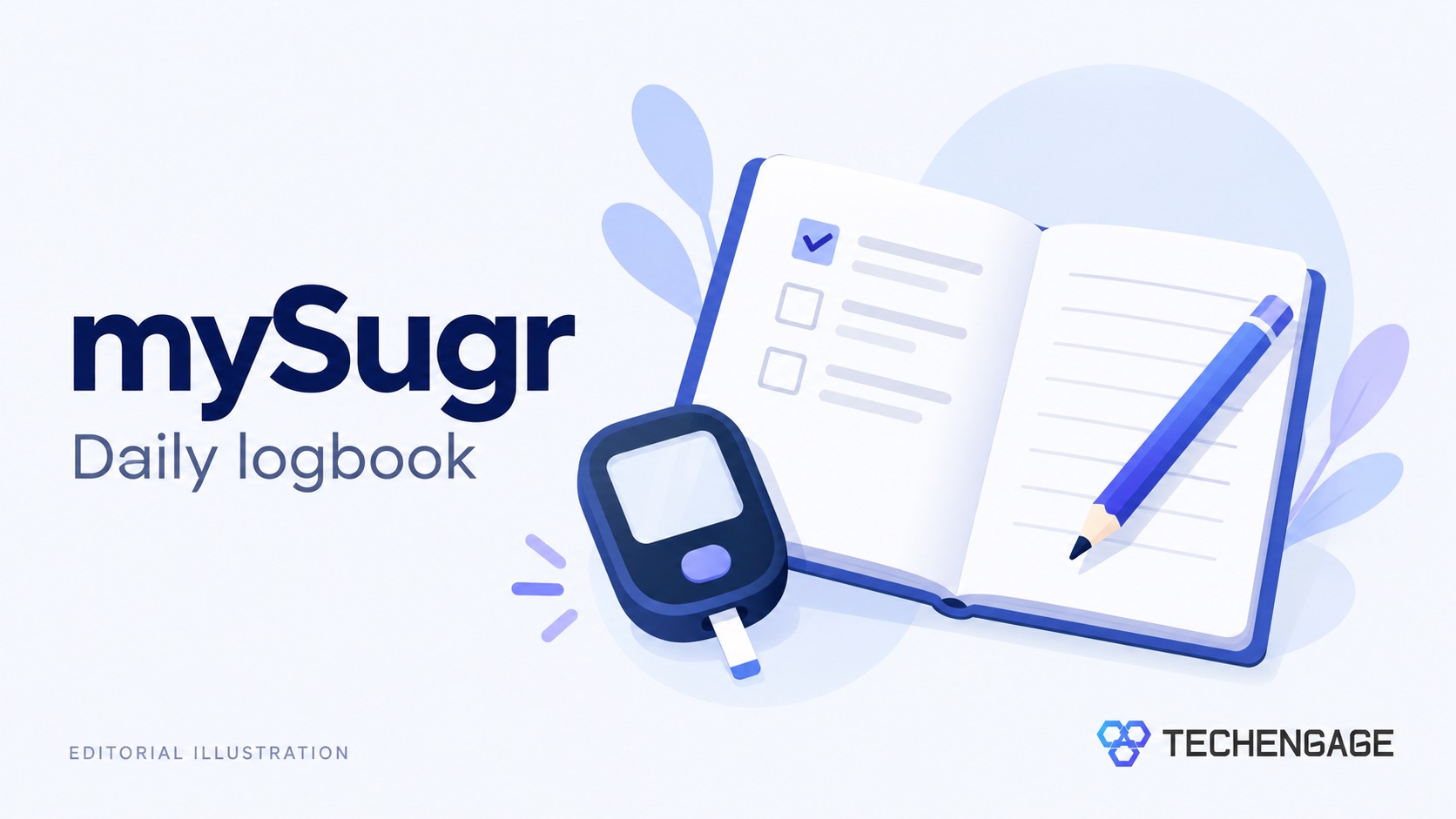
Best for: Keeping blood glucose, meals, activity and insulin records together.
Keep in mind: Some report options require mySugr PRO. CGM integrations are not identical on iPhone and Android.
An easy-to-maintain diary is more useful than a complicated dashboard you rarely open. mySugr lets you record readings alongside context such as food and activity, so you can bring more than a list of isolated numbers to an appointment.
Its report and export options include PDF, CSV and Excel for PRO users. Check the available export in your account before relying on it for a clinic visit.
Choose it if logging is your main need, particularly if your exact meter supports automatic transfer. Do not assume that a familiar meter brand guarantees compatibility or that an imported CGM record provides live alerts.
Explore mySugr and download options →
2. Health2Sync: sharing records with a trusted partner
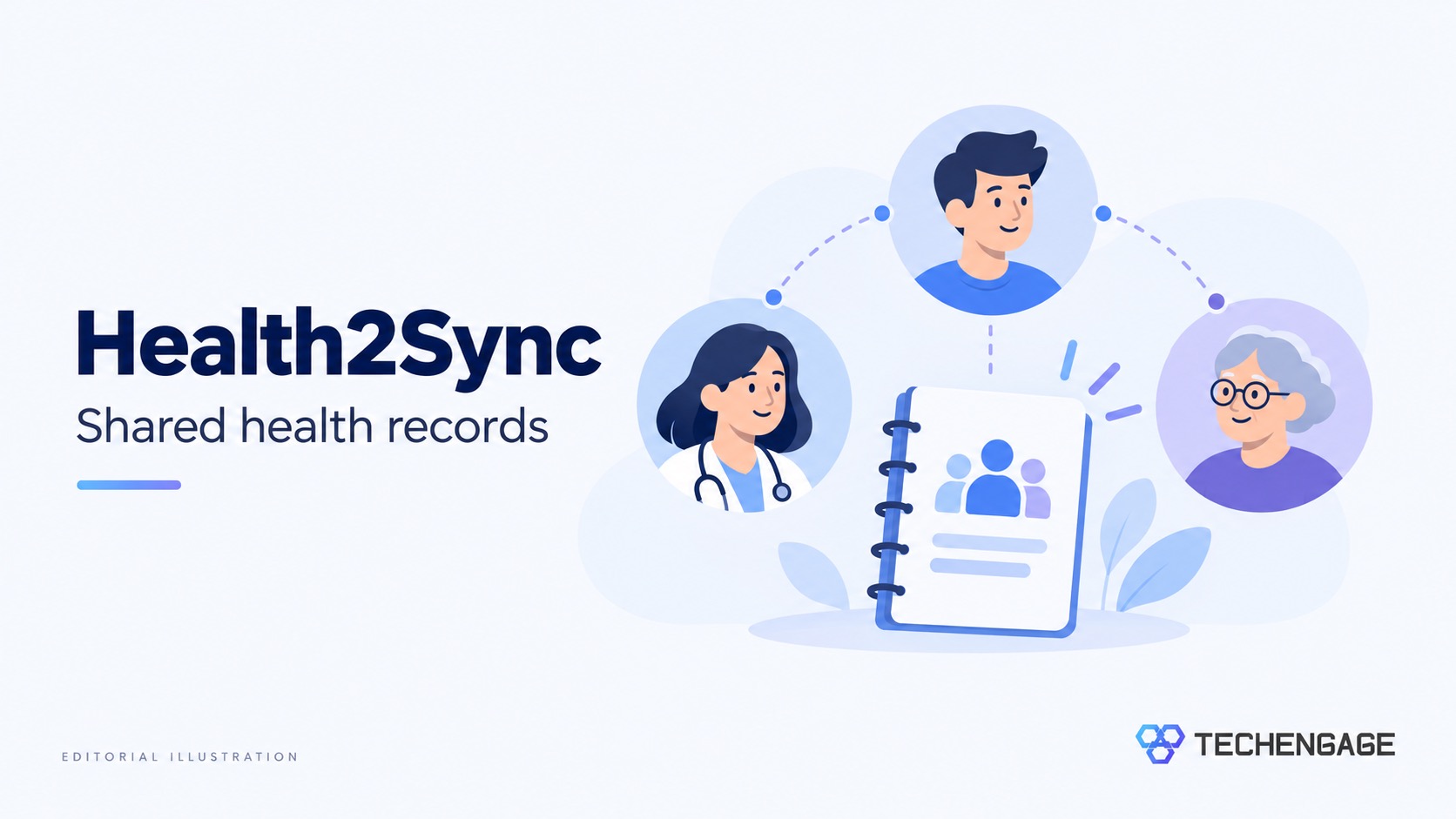
Best for: A diary you can share with a family member or participating care professional.
Keep in mind: Only authorize people you want to see your health records. Partner sharing does not guarantee continuous monitoring or an emergency response.
Health2Sync combines blood glucose, blood pressure, weight and activity records. Its partner feature is useful when someone helps you keep track of your routine, rather than having to send a succession of screenshots.
The official Health2Sync app listing explains how to export PDF or Excel reports. A report can give your care team a more convenient record than reading individual entries from your phone.
Before inviting anyone, check what they can see and how to remove access. If you want automatic uploads, verify your meter in the app’s supported-device options; manual logging and device syncing are different features.
Explore Health2Sync and download options →
3. Glooko: bringing compatible device data together
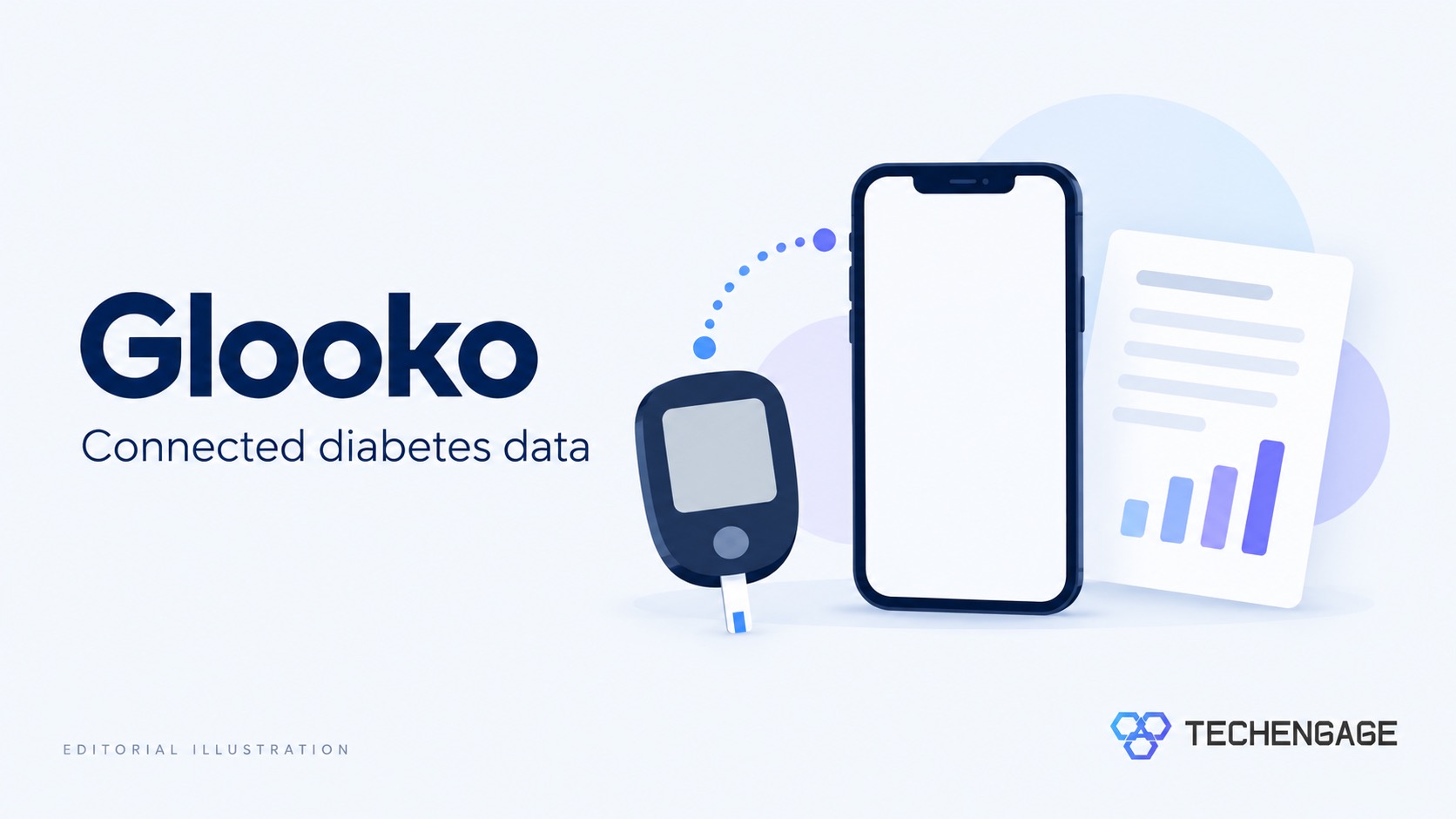
Best for: People whose devices and clinic already work with Glooko.
Keep in mind: Compatibility depends on the exact device and connection method. Linking a clinic is separate from simply installing the app.
Glooko is a useful first place to look when your diabetes records are spread across devices. Its mobile app can combine data from supported glucose meters, CGMs, pumps and pens, along with food, medication and activity logs.
The practical advantage is having a shared view for appointments. Check Glooko’s device compatibility list and ask your clinic how it accepts shared data before setting up uploads.
Glooko describes its mobile app as free. That does not make connected medical devices or clinical services free, and a data-management app should not be treated as a replacement for a device’s alarms.
Explore Glooko and download options →
4. Diabetes:M: detailed logs and flexible reports
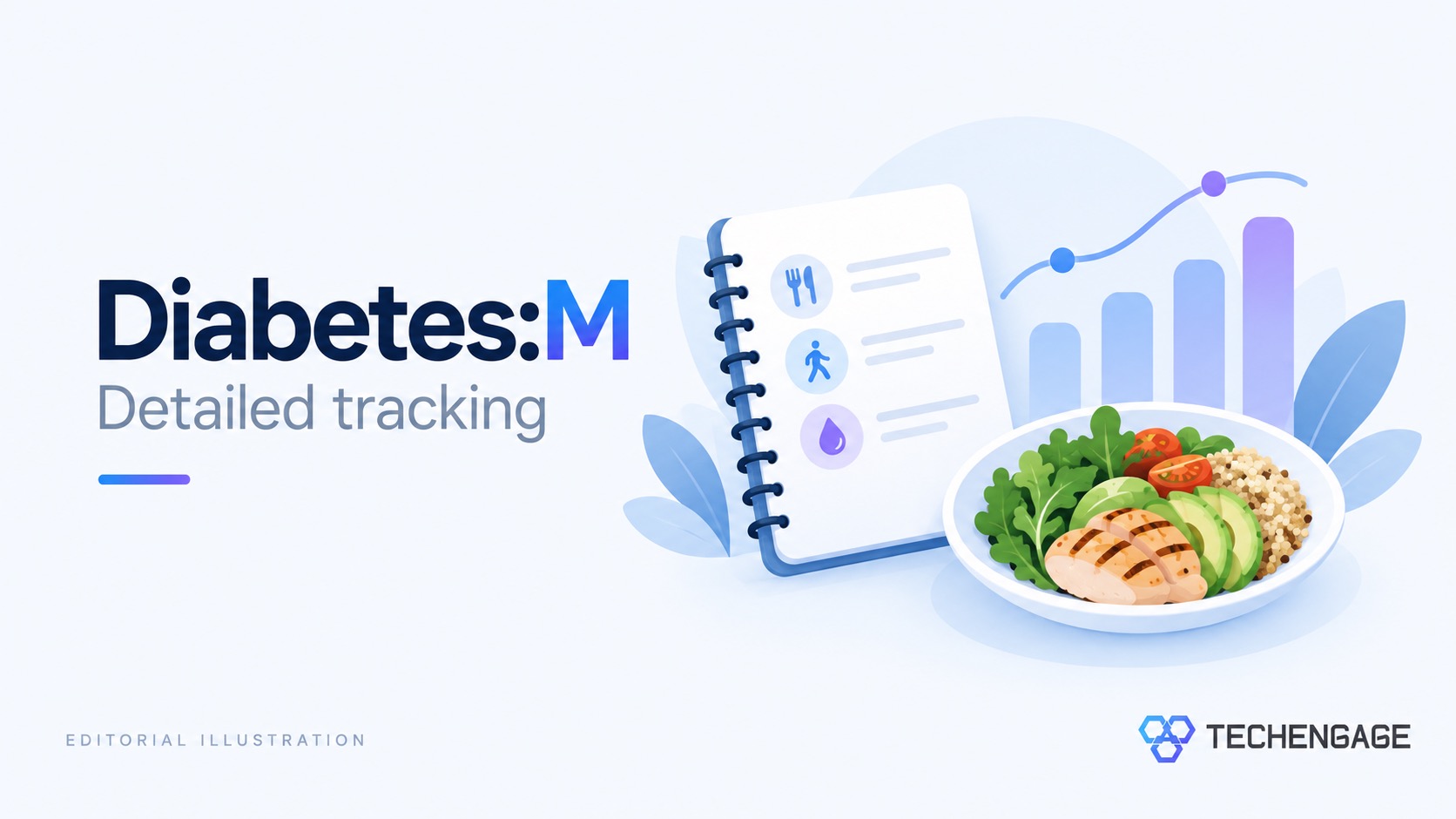
Best for: Keeping additional records such as meals, medication, activity, weight and blood pressure.
Keep in mind: PDF and XLS reports require Premium. The Bolus Advisor is unavailable in the US and Australia according to the developer.
Diabetes:M adds more detail for people who want to record the context around their readings. Its logbook supports glucose, carbohydrate and insulin entries, with additional notes and health measurements. Charts let you review records over different periods.
The feature guide lists HTML reports and paid PDF/XLS exports. Check which format your clinic wants before subscribing.
Do not choose an app primarily for an insulin calculator or enter guessed therapy settings. Where dose-advice features are available, discuss their suitability and setup with your diabetes clinician. A detailed logbook is still useful without using those features.
Explore Diabetes:M and download options →
How to choose an app you will keep using
Start with compatibility. Write down your exact meter or sensor model and phone model. Check the developer’s supported-device list, country availability and operating-system requirements. A Bluetooth logo alone does not establish that two products work together.
Try the routine before paying. Enter a reading, add a meal note, correct an entry and export a sample report. Check that units match your usual mg/dL or mmol/L display. Choose the workflow you can repeat comfortably, not the longest feature list.
Ask what your clinic can use. A PDF may be enough for an appointment; another clinic may prefer a connected platform. Confirm whether shared records are reviewed between visits and what to do when you need timely advice.
Review privacy and backups. Read the app’s privacy policy, check connected services and review sharing permissions. Find its export and account-deletion options before committing years of records. Protect the phone with a screen lock and keep a copy of important reports somewhere secure.
What a diabetes app can and cannot measure
A logbook stores readings you enter or imports them from compatible equipment. It does not turn a phone into a glucose meter. A CGM companion app displays information from its supported sensor, which is a different job from keeping a manual diary.
Be cautious of unsupported measurement claims. The FDA warns against smartwatches and rings that claim to measure blood glucose without piercing the skin. That warning distinguishes those products from apps displaying data from authorized glucose-monitoring equipment.
Use your agreed care plan for treatment decisions and symptoms. Do not change medication based only on an app’s chart or estimate, and do not assume that sending a report means a clinician has seen it.
Frequently asked questions
Which diabetes tracker app should I start with?
Start with the app supported by your meter, sensor or clinic. For a separate logbook, compare mySugr for everyday entries, Health2Sync for partner sharing, Glooko for device connections and Diabetes:M for detailed records.
Can a diabetes app measure blood sugar without a meter or sensor?
The logbook apps in this guide record manually entered readings or import data from compatible equipment. Installing an app alone does not make your phone a glucose meter.
Are these diabetes apps free?
Free access and paid features differ. Glooko describes its mobile app as free; mySugr PRO and Diabetes:M Premium add report options. Check the official store listing and the features you need before subscribing.
Can I share my records with my doctor?
These apps offer report exports or sharing features, but the method differs. Ask your clinic which format or platform it accepts, and confirm how and when shared records are reviewed.



How about PredictBGL? It blows the others out of the water.